 blog
Best Hockey Apps for Learning Game Flow
Table of Contents
- Why Game Flow Matters in Youth Hockey
- How to Improve Hockey IQ Through Visual Learning
- Hockey Systems for Beginners: From Puck Chasing to Positioning
- Understanding Ice Hockey Rules and Game Flow Together
- Interactive Apps vs. Traditional Coaching: What Actually Works
- Key Features to Look for in Hockey Learning Apps
- Frequently Asked Questions
Last Updated: October 2, 2026
Why Game Flow Matters in Youth Hockey
Game flow is the foundation of smart hockey. Young players who understand it stop chasing the puck and start anticipating where it's going, the shift from reactive to proactive play that separates confident players from those who struggle.
Most youth players chase the puck instead of positioning strategically, wasting energy and limiting impact. When they understand game flow, they move with purpose, make better passes, and score more goals.
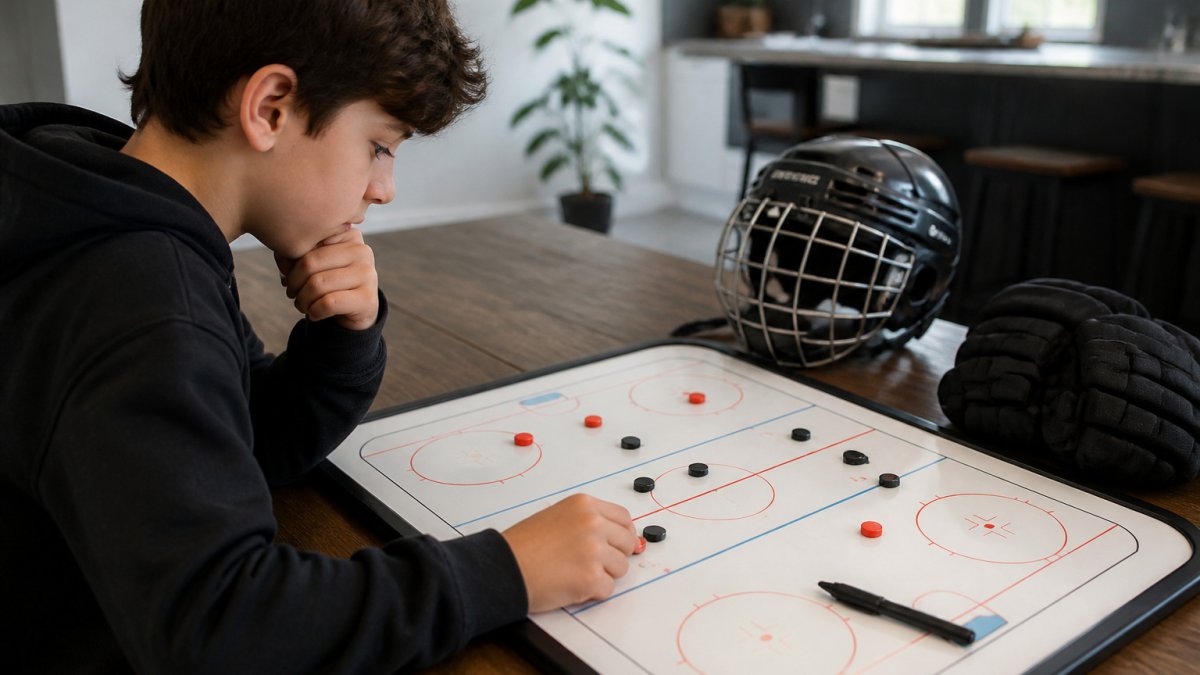
Visual learning tools make a real difference.
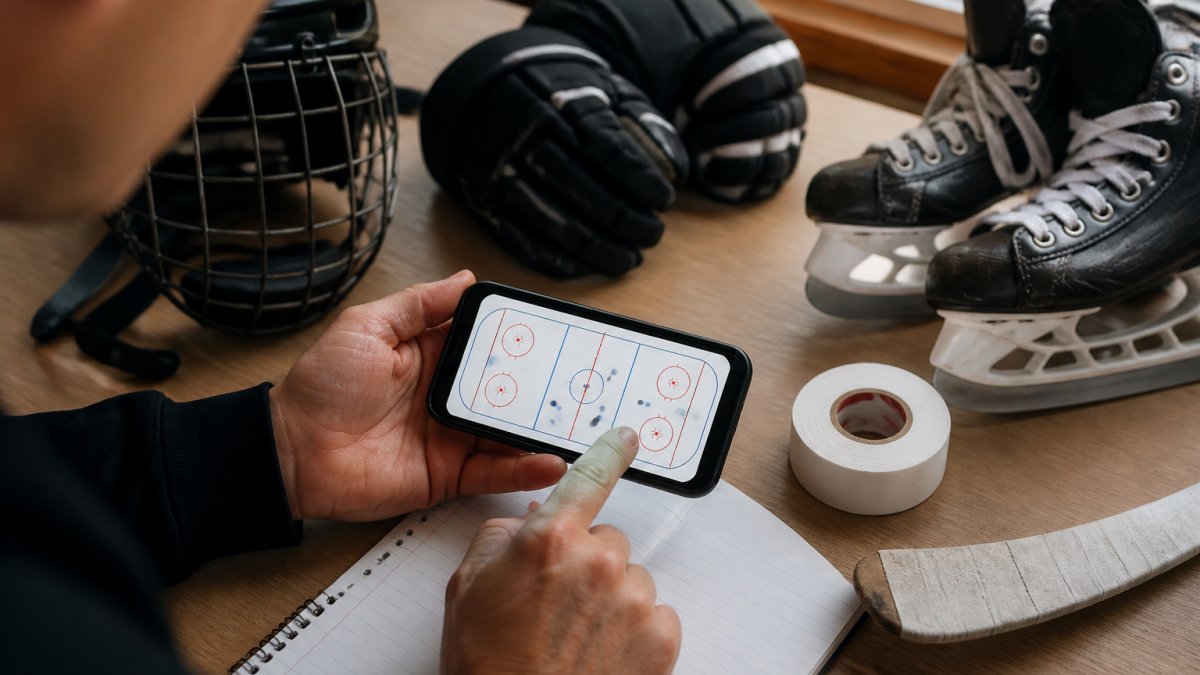
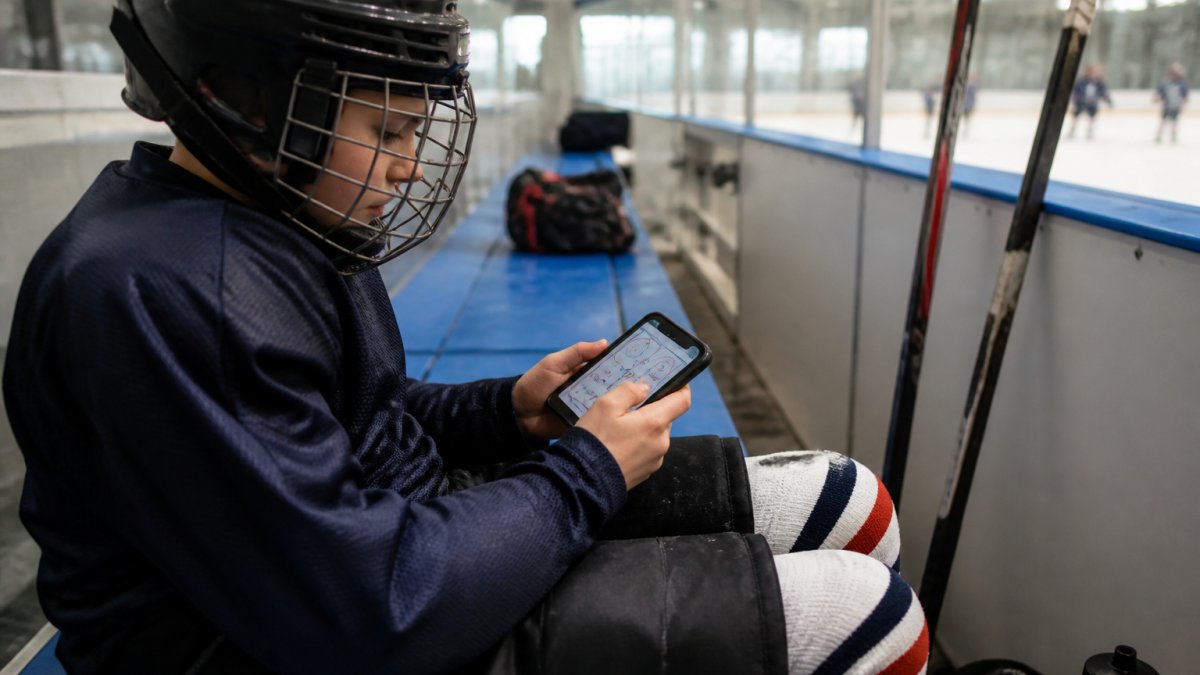
Hockey Positioning™ lets players drag the puck across a full ice surface and watch teammates move into correct positions for every scenario, power plays, penalty kills, regular play.
How to Improve Hockey IQ Through Visual Learning
Hockey IQ is about recognizing patterns fast enough to make decisions before the play develops. Visual learning accelerates this because interactive apps train the specific cognitive skills that separate elite players from average ones.
The Three Cognitive Layers of Game Flow
Pattern Recognition: Players learn to identify recurring situations, a 2-on-1 rush, a point shot setup, a defensive breakdown. Seeing a pattern 20 times on screen means recognizing it instantly on ice.
Decision Speed: Apps that force decisions within a time window train speed directly.
Anticipation: Apps that show multiple outcomes for a single decision teach anticipation. A player learns: "If I pass to the wing, the defenseman collapses, opening the slot for a backdoor pass." This chain-reaction thinking separates beginners from advanced players.
Why Visual Learning Works Better Than Verbal Instruction
When a player interacts with an app, they see cause and effect in real time: the puck moves, teammates respond, space opens or closes. This active feedback loop trains the brain to build mental models faster than passive observation.
Players who practice decision-making in simulated environments transfer that learning to real ice because apps let players fail safely and repeat scenarios without fatigue.
Key Cognitive Features to Look For
Scenario branching: The best apps show what happens if you make different decisions. A player passes to the wing, the app shows the outcome.
Time pressure: Apps that add a countdown timer train decision speed. Players learn to make good decisions fast, not perfect decisions slowly.
Defender AI: Static scenarios are useful, but apps with intelligent defenders that react to player choices train anticipation.
Feedback loops: After each decision, the app should explain why that choice was good or bad.
Customizable difficulty: A beginner needs simple scenarios with 2-3 options. An advanced player needs complex scenarios with multiple defenders and split-second timing.
Many coaches pair traditional practice with cognitive training apps.
Hockey Systems for Beginners: From Puck Chasing to Positioning
Beginners chase the puck; advanced players position themselves where it will be. This progression requires age-appropriate systems that match cognitive development and ice experience.
A 6-year-old and a 12-year-old need completely different learning paths. The best hockey apps scaffold complexity by age and skill level, not just by difficulty slider.
Age-Appropriate Learning Paths
Ages 5-7 (Mite/Squirt): Zone Awareness
At this age, players are developing spatial awareness and can't track multiple moving objects. The goal is simple: stay in your zone and know your basic role.
Systems at this level are stripped down:
- Offensive play: Stay in your zone, pass to a teammate, shoot when you have the puck
- Defensive play: Skate to your zone, stand between the puck and the goal
- Transitions: Follow the puck up the ice, but don't go too deep
Apps should show 3-4 players with bright colors and simple shapes, building comfort with the ice surface and understanding "my zone" vs. "their zone."
Ages 8-10 (Squirt/Peewee): Positional Responsibility
At this age, players can track 2-3 moving objects and understand cause-and-effect, ready for positional systems with specific responsibilities.
Systems at this level introduce structure:
- Offensive play: Forwards support the puck carrier, defensemen stay high, wingers fill lanes
- Defensive play: Forward pressure, defensemen cover the point, goalie has a clear view
- Power play: Specific formations like the 1-3-1 (one player high, three in a triangle, one below goal line)
- Penalty kill: Box formation or diamond, depending on the team's system
Ages 11-13 (Peewee/Bantam): Read and React
At this age, players can track multiple moving objects and anticipate movement, ready for systems that require reading the defense and making adjustments.
Systems at this level become dynamic:
- Offensive play: Read the defense, adjust positioning, create space through movement
- Defensive play: Pressure the puck, cover passing lanes, adjust based on opponent positioning
- Transition game: Quick decision-making to move from defense to offense
- Advanced systems: 2-1-2 forecheck, 1-2-2 forecheck, various defensive structures
Apps should include full ice with realistic defender AI and scenarios where the correct answer changes based on opponent positioning.
Ages 14+: Elite Positioning and Anticipation
- Offensive systems: High-pressure forechecks, cycle plays, screen and tip plays
- Defensive systems: Man-to-man vs. zone coverage, gap control, penalty kill structures
- Game management: Understanding when to play fast vs. slow, when to dump vs. carry
- Video analysis: Reviewing actual game footage and learning from professional players
Why Age-Appropriate Matters
Apps that automatically adjust complexity based on age and skill level keep players in the "sweet spot" where they're challenged but not overwhelmed.
The progression from zone awareness → positional responsibility → read and react → elite positioning mirrors how the brain develops spatial reasoning.
What to Look for in Age-Appropriate Apps
Explicit skill-level selection: The app should ask your player's age and experience level, then customize scenarios accordingly.
Progressive difficulty:
Age-appropriate interface: Younger players need larger buttons, simpler menus, and more visual feedback. Older players can handle more text and more options.
Scenario library by age: Look for apps that organize scenarios by age and skill level, not just by topic.
Feedback that matches age: Younger players need simple, positive feedback ("Great pass!"). Older players benefit from detailed analysis ("You passed too early; the defenseman was already collapsing").
The biggest advantage of app-based learning is that it can be personalized to each player's age and skill level.
Understanding Ice Hockey Rules and Game Flow Together
Rules and flow are connected. A player who understands offsides knows they need to stay in position and wait for the puck to come back out, not chase it deep into the offensive zone.
Learning rules and flow simultaneously is more efficient. When a player sees a rule in action, watching what happens when a player is offside, the rule sticks better than reading a rulebook.
The best hockey apps for learning game flow integrate rules naturally into scenarios. Instead of explaining offside in text, they show it: a player moves too deep, the whistle blows, the puck comes back.
Common rules that affect positioning and flow:
- Offsides: Determines how deep players can go into the offensive zone
- Icing: Affects how players retreat and reposition
- Penalties: Change the game flow and require different positioning strategies
- Line changes: Affect momentum and player positioning
Players who grasp these connections early develop better hockey IQ and understand the strategic reasons behind positioning rules.
Interactive Apps vs. Traditional Coaching: What Actually Works
Interactive apps work best alongside traditional coaching, not instead of it. They're a supplement, not a replacement.
Traditional coaching excels at:
- Building physical technique and muscle memory
- Providing real-time feedback on actual ice
- Creating team chemistry and accountability
- Developing work ethic and resilience
Interactive apps excel at:
- Teaching spatial awareness and tactical visualization
- Allowing unlimited repetition without ice time costs
- Letting players learn at their own pace
- Making abstract strategy concrete and visual
The app fills the gap between sessions and lets players think about the game off-ice.
Young players need to see patterns before executing them.
Key Features to Look for in Hockey Learning Apps
The best apps for learning game flow share specific features:
Interactive ice surface: You should be able to drag the puck and watch players move in response. This is the core of visual learning.
Full ice positioning: Apps that only show offensive plays miss half the game.
Customizable scenarios: Players develop faster when they can adjust complexity. Can you add defenders? Change the formation?
Age-appropriate design: The interface should match your player's age. A 7-year-old needs simple, colorful, intuitive controls.
Performance tracking: Seeing improvement motivates continued learning. Look for apps that track which scenarios players practice and how they perform.
Immersive elements: Sound design, customizable jersey colors, and realistic ice surface details increase engagement and retention.
Hockey Positioning™ includes all of these features.
The gap between a player who understands game flow and one who doesn't is enormous.
Interactive apps designed specifically for visual learning make this possible.
Frequently Asked Questions
Will learning game flow on an app actually help my child stay in position during real games?
Interactive visualization of positioning teaches spatial awareness and decision-making patterns that transfer to on-ice play. Apps that show where players move based on puck location build muscle memory for game scenarios. The key is repetition: your child sees the same tactical situations multiple times before encountering them live. Combined with regular practice, this mental rehearsal reduces the instinct to chase the puck and builds confidence in positional play.
How do hockey apps for game flow compare to watching YouTube videos or coach whiteboard drills?
Videos are passive, your child watches plays but doesn't interact. Whiteboard drills are static snapshots. Interactive apps let players drag the puck across a full ice surface and see all 10 players move into correct positions in real time. This hands-on manipulation builds deeper understanding of spatial relationships and tactical awareness. The engagement also improves retention compared to passive viewing.
Is a hockey app designed for young beginners, or will it overwhelm a 7-year-old?
Quality hockey apps for young players simplify complexity through visual, intuitive interfaces. Rather than complex diagrams or text instructions, they use drag-and-drop mechanics and immediate visual feedback. Apps designed specifically for ages 5-13 scale difficulty progressively, starting with basic positioning before introducing power plays and penalty kills. Your child can learn at their own pace without feeling rushed or confused.
Can a hockey app help advanced players in competitive leagues, or is it just for beginners?
Apps that include advanced scenarios like power plays, penalty kills, and tactical variations serve both beginners and competitive players. Beginners master fundamentals while advanced players refine tactical awareness and decision-making under pressure. The depth of game scenarios available determines whether an app grows with your player's skill level.