 blog
Interactive Hockey Apps for Youth Players: 2026 Guide
Table of Contents
- What Interactive Hockey Apps Actually Do for Youth Players
- Hockey Game IQ Training for Kids: Building Positioning Awareness
- Digital Hockey Strategy Boards: Tactical Tools That Travel
- Hockey Skill Tracking Apps for Youth: Measuring Progress
- Features Parents and Coaches Should Prioritize
- Pricing Models: What You Get for Free vs Paid
- Common Mistakes When Choosing a Youth Hockey App
- Frequently Asked Questions
Last Updated: September 30, 2026
What Interactive Hockey Apps Actually Do for Youth Players
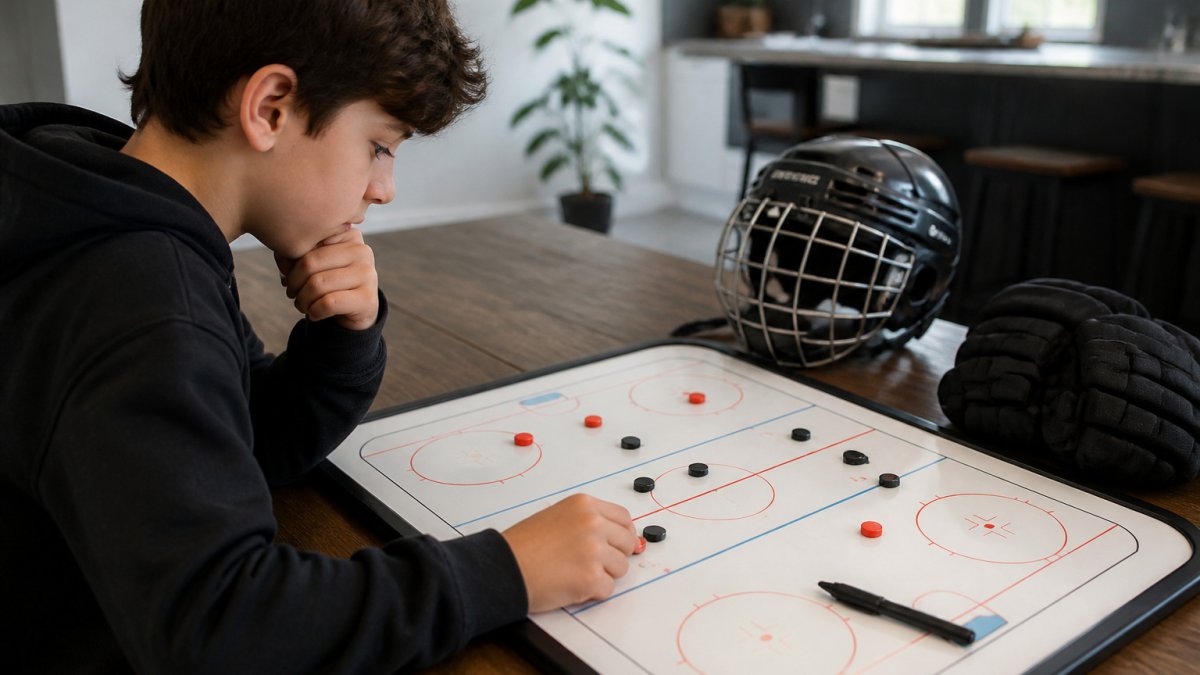
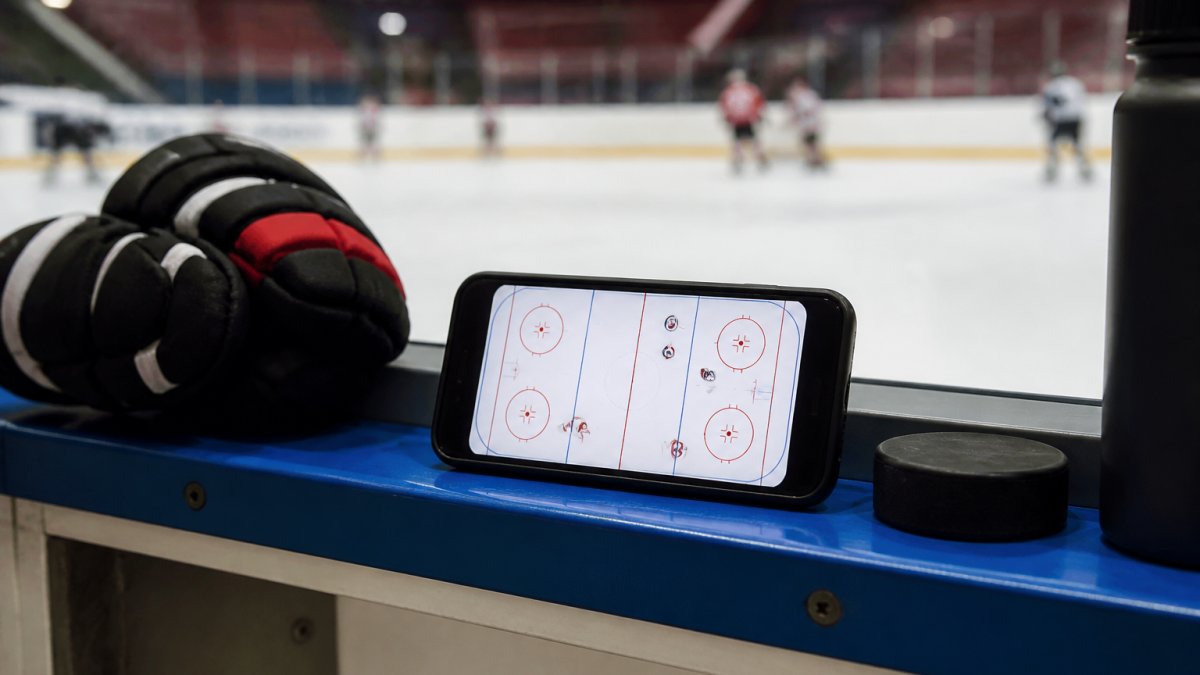
Interactive hockey apps for youth players turn positional play into something a child can see, touch, and repeat. Instead of memorizing whiteboard scribbles, young players drag a puck across a screen and watch every player shift to the right spot.
Hockey Game IQ Training for Kids: Building Positioning Awareness
Hockey game IQ training for kids teaches players to read a situation and move before the play arrives. Positioning awareness is the core: knowing where you should be, not just where the puck is.
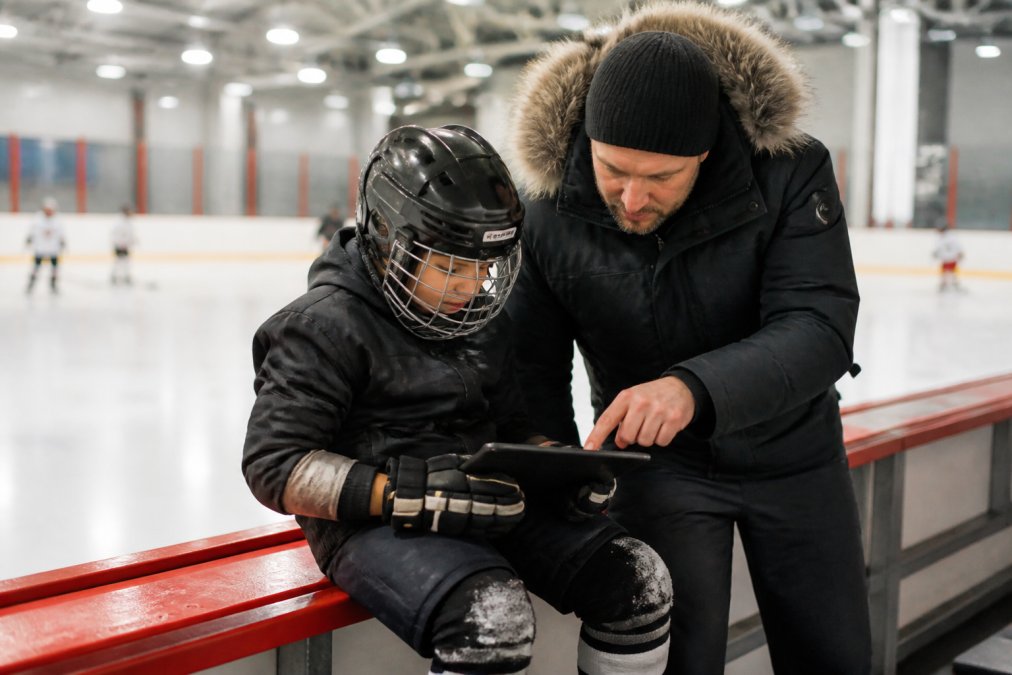
Why Visual Learning Beats Whiteboard Diagrams
Whiteboard diagrams work for players who already think in systems, but fail for a seven-year-old who cannot translate a flat drawing into a moving game.
Digital Hockey Strategy Boards: Tactical Tools That Travel
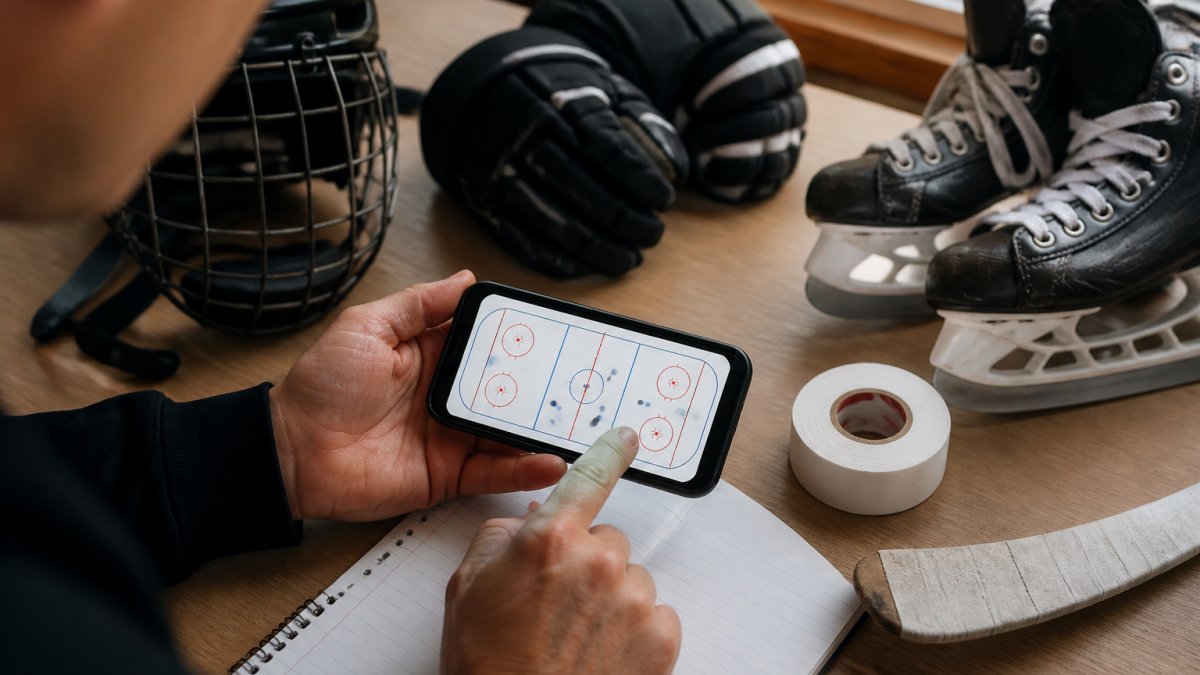
Digital hockey strategy boards replace the coach's clipboard with a tool that fits in a pocket. Coaches and parents can set up power plays, penalty kills, and breakout patterns, then walk a player through each one anywhere.
Offline Access for Rinks With Poor Wi-Fi
Cold rinks are notoriously bad for connectivity. Concrete walls and crowded networks mean a strategy board that only works online will fail exactly when you need it.
Hockey Skill Tracking Apps for Youth: Measuring Progress
Hockey skill tracking apps for youth record what a player works on and how it changes over time. Basic versions log attendance and goals. Better ones track positioning habits, decision-making, and skill progression across a season.
What to Track (and What to Ignore)
Most youth tracking apps overwhelm families with metrics that never change what happens at the next practice. The metrics that actually move a young player forward are narrower:
- Positioning habits. Did the player stay on the correct side of the puck? Did they support the breakout instead of chasing? These habits separate a player who is in the right place from one who is always a step behind.
- Decision-making. Did they recognize when to pass versus shoot, or when to pinch versus retreat? A simple tally of "good decisions" per game is more useful than a shot chart for a 10-year-old.
- Skill reps at home. How many stickhandling or positioning sessions did the player complete between games? This is the input metric that drives the others.
How Often to Track, and How to Feed It Back
What matters most is consistency. A simple metric tracked weekly beats a detailed one logged twice. Pick one or two things to watch, like staying on the correct side of the puck, and review them together after games.
A workable rhythm most families can sustain:
- After each game: one minute, one or two metrics, logged in the app.
- Weekly: a five-minute review with the player. What went well, what's the focus for next week.
- Monthly: a longer look at the trend. Is the positioning habit improving, flat, or slipping?
Closing the Loop Between Coach, Parent, and Player
This is where the best tracking tools pull ahead. Tracking only works when the coach, parent, and player look at the same numbers.
- The coach assigns a focus for the week ("stay on the strong side of the puck") and can see which players logged it.
- The player sees their own progress in a view built for a child, not a spreadsheet.
- The parent sees what the coach assigned and what the child logged, so the conversation at home reinforces the rink instead of contradicting it.
Features Parents and Coaches Should Prioritize
The features that matter most depend on whether you're buying for a team or a single player. For most families, the priorities are visual clarity, age-appropriate design, and tools that connect parent, coach, and player around the same information.
Look for these first:
- An interactive ice surface a child can manipulate directly
- Coaching tips attached to specific positions, not generic advice
- Scenarios that cover real game situations like power plays and penalty kills
- Controls simple enough for a young player to use alone
Gamification That Actually Keeps Kids Practicing
Most hockey apps are built for coaches, not children, which is why so many get opened twice and forgotten. Gamification is a missing layer.
- Streaks tied to short sessions. A 5-minute daily positioning drill with a visible streak counter beats a 30-minute session a parent has to nag about. The streak does the nagging.
- Unlockable scenarios. New power-play looks or penalty-kill situations open only after the player completes earlier ones. This gives a 9-year-old a reason to replay a scenario they already "know."
- Position-specific badges. "Stayed on the strong side of the puck three games in a row" is a badge a child can show a coach. It turns an abstract habit into a trophy.
- Progress the child can see, not just the parent. If only the parent dashboard shows progress, the child has no reason to care. The child's view needs its own visible reward loop.
Test the reward loop before you buy. If the free tier shows you what a streak or badge looks like, run it for a week with your child. If they ask to open it again on day four, the gamification is real. If you have to remind them, it isn't.
Parent-Coach-Player Integration: Closing the Loop
This is the second gap most apps miss. A coach assigns a breakout pattern Tuesday; by Saturday the player has half-forgotten it and the parent has no idea what was assigned. The lesson dies between rink and home.
- Coach view: assigns a scenario, sees which players completed it, and can leave a note ("watch how the weak-side winger stays high").
- Player view: opens the assigned scenario, drags the puck, and sees the coach's note attached to the position.
- Parent view: sees what was assigned and what the child did, so the parent can ask a specific question at dinner instead of a vague "how was practice?"
Privacy and Data Handling for Apps Used by Minors
Privacy deserves a hard look, and it's the third gap most competitors skip entirely. For any app used by children, check what data it collects and how accounts are managed. The FTC's guidance on children's online privacy explains the protections that should apply to apps aimed at kids under 13, including parental consent requirements and limits on data collection.
A practical checklist before you install:
- Does the app require a parent to create and manage the child's account, or does it let a child sign up alone?
- Does it ask for a birth date, a photo, or a location? Each of those triggers additional obligations for the developer.
- Is there a plain-language privacy policy that names what is collected and why, or only a generic legal page?
- Can you delete the child's data if you stop using the app?
Pricing Models: What You Get for Free vs Paid
Most interactive hockey apps use a subscription model, though some offer a one-time purchase. Free tiers limit scenarios, players, or tracking history; paid plans open the full library and progress tools.
| Plan Type | Typical Access | Best For | Watch Out For |
|---|---|---|---|
| Free | Basic scenarios, limited tracking | Trying before buying | Capped features, ads |
| Monthly subscription | Full library, all scenarios | Active season use | Cost adds up off-season |
| Annual subscription | Full library, lower monthly cost | Committed families | Upfront payment |
| One-time purchase | Fixed feature set | Budget-conscious buyers | Fewer updates |
Common Mistakes When Choosing a Youth Hockey App
The biggest mistake is buying for the parent's ambition instead of the child's level. An advanced tool overwhelms a beginner; a too-simple app bores a competitive player.
Other traps to avoid:
- Ignoring offline access, then discovering the rink has no signal
- Overlooking privacy terms for an app used by a young child
- Assuming the coach will teach positioning, when practice time is limited
- Choosing based on price alone and ending up with a tool the child won't open
Frequently Asked Questions
What features should parents look for in a youth hockey training app?
Look for an interactive ice surface that shows player movement visually, age-appropriate content for players 5-13, coaching tips at key decision points, and offline access for rink use. Cross-platform availability (iOS, Android, web) matters if multiple family members want access. Check whether the app covers full-game scenarios like power plays and penalty kills, not just basic drills. Privacy compliance and parent-coach-player integration are also worth verifying before committing to a subscription.
Can mobile apps improve a youth hockey player's game IQ?
Yes, when the app uses interactive visual learning rather than passive video. Dragging a puck across an ice surface and watching players shift position in real time builds the same spatial awareness that game IQ training for kids targets on the ice. The key is repetition with immediate feedback. Apps that explain why a position matters, not just where it is, help players transfer that knowledge to live play faster than static diagrams alone.
Are there free hockey coaching apps for youth teams?
Many apps offer a free tier or trial period, though full features like animated drills, tactical boards, and stats tracking usually require a subscription. For families testing whether an interactive hockey app fits their player's learning style, starting with a free trial makes sense. Check the app's website for current pricing tiers and trial details before subscribing.
What are the best hockey apps for youth player development?
The best fit depends on whether you need home training, team management, or positioning-specific instruction. Apps focused on skill-building exercises for home training work well for solo practice. Team-oriented platforms handle practice plans, messaging, and stats tracking. For positioning and game IQ specifically, look for apps with an interactive ice surface and pro coaching tips. Read reviews from parents and coaches in your age group, and try the free trial before committing.