 blog
Hockey Game Strategy Mobile App Review: What Works
Quick Summary
A hockey game strategy mobile app review should judge whether an app teaches where players should be, not just how it looks. Hockey Positioning™ uses an interactive ice surface where users drag the puck and watch players move to correct spots, and it is built for players aged 5 to 13 and adult beginners.
- Check whether the app covers power plays, penalty kills and open-ice situations.
- Test the interface with the child before paying, since a confusing screen ends use quickly.
- Choose an app whose difficulty matches the player's age, from basics to advanced scenarios.
- Confirm current pricing, permissions and account requirements on the official website.
Table of Contents
- What Makes a Hockey Strategy App Worth Your Time
- Gameplay, Controls, and Ease of Use for Young Players
- Hockey Training Apps for Kids: Age Fit and Learning Value
- Hockey Game Strategy Mobile App Review on Android
- Hockey Game Strategy Mobile App Review on iPhone
- Hockey Practice Planning Apps and How They Differ
- Pricing, Permissions, and Account Requirements Compared
- Choosing the Right Hockey Strategy App for Your Player
- Frequently Asked Questions
Hockey Game Strategy Mobile App Review: What Works
Last Updated: November 4, 2026
What Makes a Hockey Strategy App Worth Your Time
Most hockey strategy apps promise to make your player smarter on the ice, but few explain how. A useful hockey game strategy mobile app review should answer one practical question: does the app teach where to be, or does it just look busy? Hockey Positioning™ is built around that question, using an interactive ice surface where users drag the puck and watch players move to their correct spots.
The core test is simple. Does the app turn a rule into a picture a child can repeat on the ice? Positional play is hard to explain verbally. A coach can describe the weak-side winger's role during a power play, but a young player often forgets it by the next shift. Visual tools close that gap.
When evaluating any hockey game strategy mobile app review candidate, check these points:
- Scenario coverage: Does it cover power plays, penalty kills, and open-ice situations, not just a few drills?
- Feedback clarity: Does the player see the right position immediately, or must they interpret a diagram?
- Age fit: Is the interface simple enough for the youngest user you have in mind?
- Practical use: Can it be used before practice, in the car, or during a rest day?
A common mistake is judging apps by their graphics. Polished visuals matter less than whether the app changes behavior on the ice. Look for tools that make positional rules concrete and repeatable.
Gameplay, Controls, and Ease of Use for Young Players
Controls decide whether a young player will use an app more than once. If the interface needs a parent to explain every screen, the child will drift away within a few sessions. The better tools rely on one main action, such as dragging the puck, and let the rest follow from that.

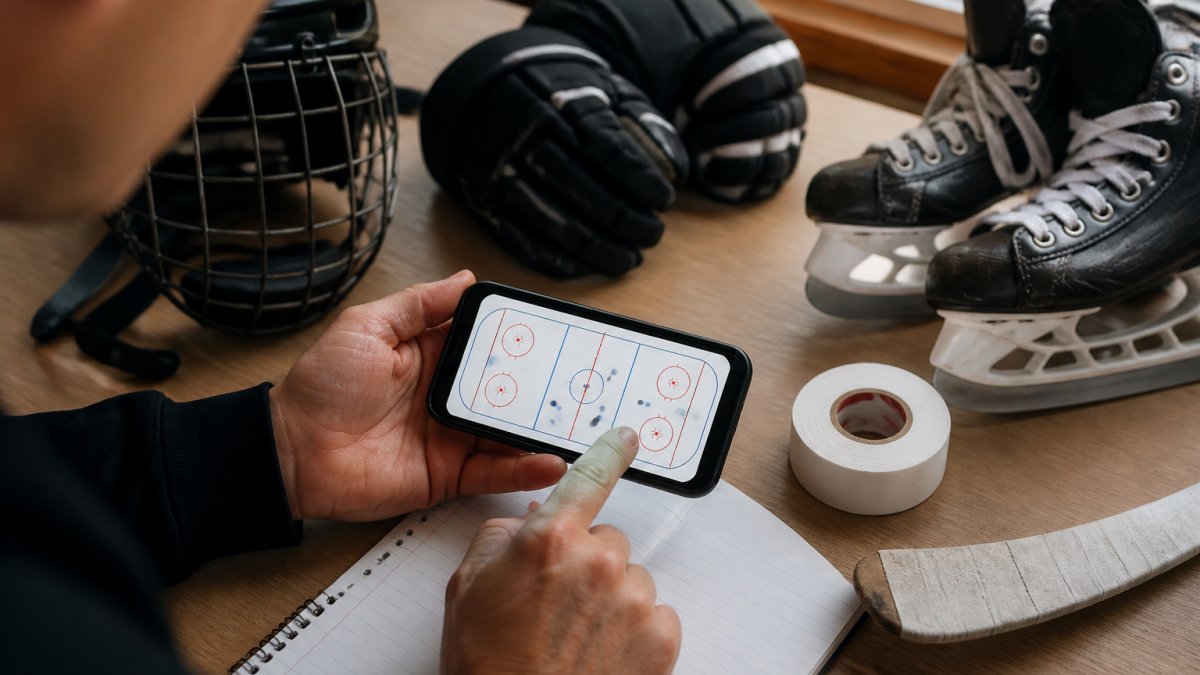
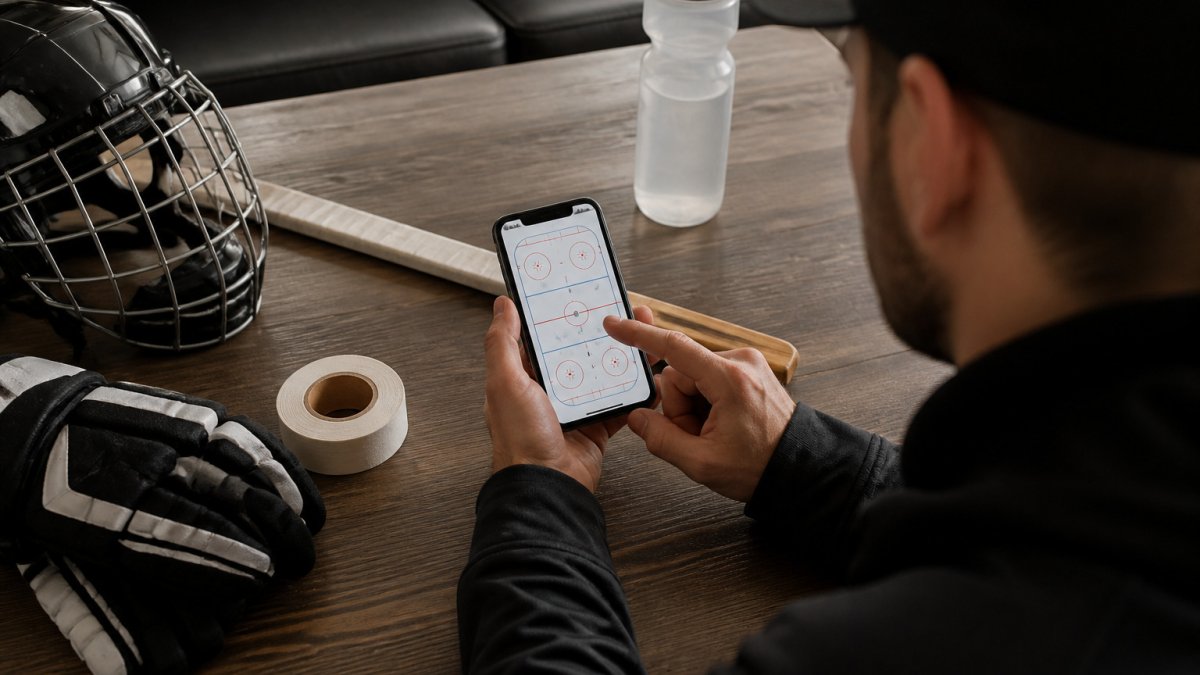
In Hockey Positioning™, the main interaction is the puck drag. A child moves the puck to a location, and the players on the ice move to their correct positions for that scenario.
Ease of use also depends on how much reading the app requires. Players aged 5 to 13 vary widely in reading ability. Apps that depend on dense text leave younger users behind. Check whether the core actions can be understood from the screen alone.
Watch out: an app that is easy for an adult can still confuse a seven-year-old. Test it with the child before paying for anything.
Hockey Training Apps for Kids: Age Fit and Learning Value
Age fit matters more than feature count. An app designed for adult beginners may move too fast or assume knowledge a child lacks. Hockey Positioning™ is designed for players aged 5 to 13 as well as adults new to the sport. You can see how visual learning tools teach youth positioning in practice.
For younger children, look for three things: short sessions, immediate visual feedback, and a clear link to what happens at practice. For older children, check whether advanced scenarios such as power play setups and penalty kill structures are included. A competitive player at 12 or 13 will outgrow a tool that only covers basics.
Learning value is harder to measure. You can test whether visual hockey training actually works with a few simple observations. Ask whether the app changes what the child does during a shift. Parents can observe this directly: does the player hold a position, or chase the puck? Results vary by player, so treat any app as one support tool alongside coaching, not a replacement for it.
Hockey Game Strategy Mobile App Review on Android
Android users have specific questions about device compatibility and accessibility, so this section treats Android as a practical checklist.
Start with the Play Store listing itself, which shows the supported Android version and the last update date. An app that has not been updated in several years may behave unpredictably on newer Android releases, so check the update date before installing.
Test on the device the child actually uses. A common pattern is that a strategy app runs smoothly on a recent flagship phone and feels sluggish on a three- or four-year-old budget handset. The failure mode is specific: the puck lags behind the finger, the child loses the cause-and-effect link, and the learning loop breaks. Before committing, open one scenario, drag the puck across the full ice surface, and watch whether the players snap to position without visible delay.
Screen size changes the experience more than raw performance. On a phone, the ice surface is compressed and small position markers are harder to tap precisely. On a tablet, the same scenario is easier to read and to manipulate. If the family owns both, the tablet is usually the better first device for younger players, while the phone is fine for a quick pre-practice review.
Accessibility deserves a direct look. In Android settings, check whether the app respects system font scaling and whether it offers any color-contrast or reduced-motion options. For a child with low vision or motor-control differences, a drag interaction can be harder than a tap. A useful test is to enable a larger system font and a display-size increase, then reopen the app and confirm that labels and position markers do not overlap or clip.
Watch out: an app that installs cleanly can still request permissions that are unnecessary for its function. Review the permission list on the Play Store before installing, and treat any request for contacts, location, or microphone as a question to answer before a child uses the device.
Finally, confirm the current availability status. Listings can be region-restricted, so check the developer's official site for the current list of supported regions.
Hockey Game Strategy Mobile App Review on iPhone
iPhone users face a different set of questions than Android users, so this section covers the iOS-specific details that matter for families.
Begin with the App Store listing, which shows the minimum iOS version, the last update date, and the age rating. Read these before downloading.
Compatibility is usually broad on iOS because the hardware and operating system are tightly controlled, but older devices still matter. A family handing down an older iPhone or iPad should check the minimum iOS version against the device's maximum supported version. If the device cannot update to the required iOS release, the app will not install regardless of storage space.
Accessibility settings on iOS are worth testing directly. In Settings, try Larger Text, Bold Text, and Display Zoom, then reopen the app and confirm that labels remain readable.
Update history is a practical signal on iOS as well. Check the 'What's New' history on the App Store listing rather than relying on the star rating alone.
For families comparing platforms, device age and screen size are practical factors to weigh when choosing a device for a child.
Hockey Practice Planning Apps and How They Differ
Practice planning apps and positional training apps solve different problems. Planning apps help coaches build drills, schedule sessions, and track attendance. Positional apps teach individual players where to be during play. Confusing the two leads to buying the wrong tool.
Coaches managing a team may need planning features. Parents supporting an individual child usually need positional learning. Some families use both. Compare the features you will actually use each week rather than the longest feature list.
A useful comparison question is: does this app help a player understand the game, or help a coach organize the schedule? Both are valuable, but they are not interchangeable.
Pricing, Permissions, and Account Requirements Compared
Current pricing for Hockey Positioning™ is available on the brand's website. Check there for current prices and plan options. Avoid relying on third-party price estimates, which may be outdated.
Permissions matter for children's apps. Review what data the app requests and whether an account is required before use. Parents should read the privacy policy and check whether a child can use the app without creating a personal account. These details vary by app, so verify them directly before installing.
The article's key points on pricing, permissions and accounts are summarised below.
| Item | Source | Parent action |
|---|---|---|
| Pricing | Brand's official website | Check current plan options there |
| Permissions | App's privacy policy | Review requested data before installing |
| Account | Verify directly | Check if a child can use it without an account |
Choosing the Right Hockey Strategy App for Your Player
Start with the player, not the app. A seven-year-old beginner needs different support than a 13-year-old playing competitive power play situations. Match the tool to the level of the player, and check the trial before committing.
We recommend this simple process:
- Define the main gap: positioning, skating, shooting, or game reading.
- Test the app with the child for one or two sessions.
- Check whether the child can use it with little help.
- Confirm pricing and account requirements on the official website.
- Decide whether it supports practice, not replaces it.
For families weighing their options, Hockey Positioning™ is designed for visual positional learning for players aged 5 to 13 or adults new to hockey. For a broader view of tools across the category, see our guide to hockey strategy apps for team coaches and interactive hockey apps built for youth players.
Frequently Asked Questions
What is the best hockey game for mobile?
The best choice depends on whether you want a game to play or a tool to learn positioning. Strategy-focused hockey games reward planning and lineup decisions, while training apps focus on skills and game sense. Check each app's gameplay depth, controls, and platform support on the App Store or Google Play before downloading. Hockey Positioning™ is built for learning on-ice positioning, with an interactive ice surface where you drag the puck and see players move to their correct spots. Compare it against your goal, whether that is entertainment, coaching support, or skill development.
Can a mobile app help kids learn hockey positions and strategy?
Yes, a well-designed app can make positional play easier to understand, especially for children aged 5 to 13 who struggle to picture where teammates should be. Visual, interactive tools let kids see the result of each puck position rather than reading diagrams. Apps work best as a supplement to practice and coaching, not a replacement. Hockey Positioning™ includes pro coaching tips at each puck location and covers power plays and penalty kills, so kids can connect what they see on screen with what coaches teach on the ice.
What is the best app for hockey training?
A good hockey training app should match the player's age, skill level, and goal. For young players, look for simple controls, clear visuals, and content that explains positioning in plain language. For competitive players, prioritize advanced scenarios and strategy depth. Read recent user reviews on the App Store and Google Play, check the update history, and confirm whether the app requires an account or asks for unnecessary permissions. Hockey Positioning™ is designed for players aged 5 to 13 and adults new to the sport.
What is the difference between a hockey game app and a hockey strategy app?
A hockey game app typically focuses on entertainment, with matches, team building, or simulated competition. A hockey strategy app focuses on decisions: where to position players, how to respond to game situations, and why certain plays work. Strategy apps often provide less action but more instruction. If you want to understand positional play rather than simply play a match, a strategy-focused app will usually serve you better. Check whether the app explains the reasoning behind each move, not just the move itself.