 blog
Hockey Strategy Apps for Team Coaches: 2026 Guide
Last Updated: October 23, 2026
Quick Summary
Hockey strategy apps for team coaches transform how coaches teach positioning and tactics through interactive, visual learning experiences that move beyond static whiteboards. These apps let coaches drag the puck across an interactive ice surface and watch players move to correct positions instantly, with pro coaching tips reinforcing why positioning matters at every location.
- Interactive ice surface functionality is non-negotiable for apps to show cause and effect when the puck moves.
- Coverage of multiple game scenarios including power plays, penalty kills, and transition situations ensures depth across a full season.
- Animated drills apps remove ambiguity by showing every player the exact same movement pattern, spacing, and timing.
- Coaches should start with one scenario, dedicate 5-10 minutes per practice to app learning, then execute immediately on ice.
- Progress tracking helps coaches measure understanding and tailor additional practice to areas of weakness.
Table of Contents
- Why Hockey Strategy Apps Matter for Team Coaches
- What to Look For in a Hockey Playbook App
- How a Hockey Practice Planning App Saves Coaches Time
- The Power of Animated Hockey Drills Apps for Visual Learning
- Hockey Apps for Youth Coaches: Key Features That Drive Results
- Common Mistakes Coaches Make When Choosing Strategy Apps
- Getting Started: How to Integrate Hockey Strategy Apps Into Your Coaching
- Frequently Asked Questions
Why Hockey Strategy Apps Matter for Team Coaches
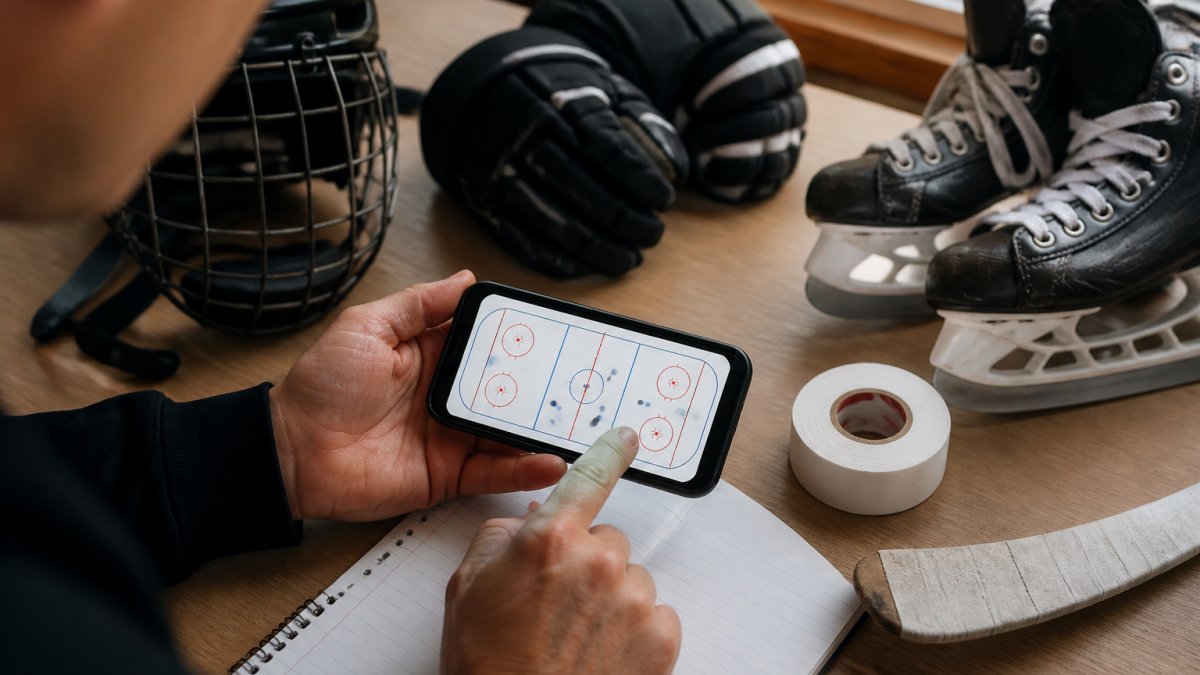
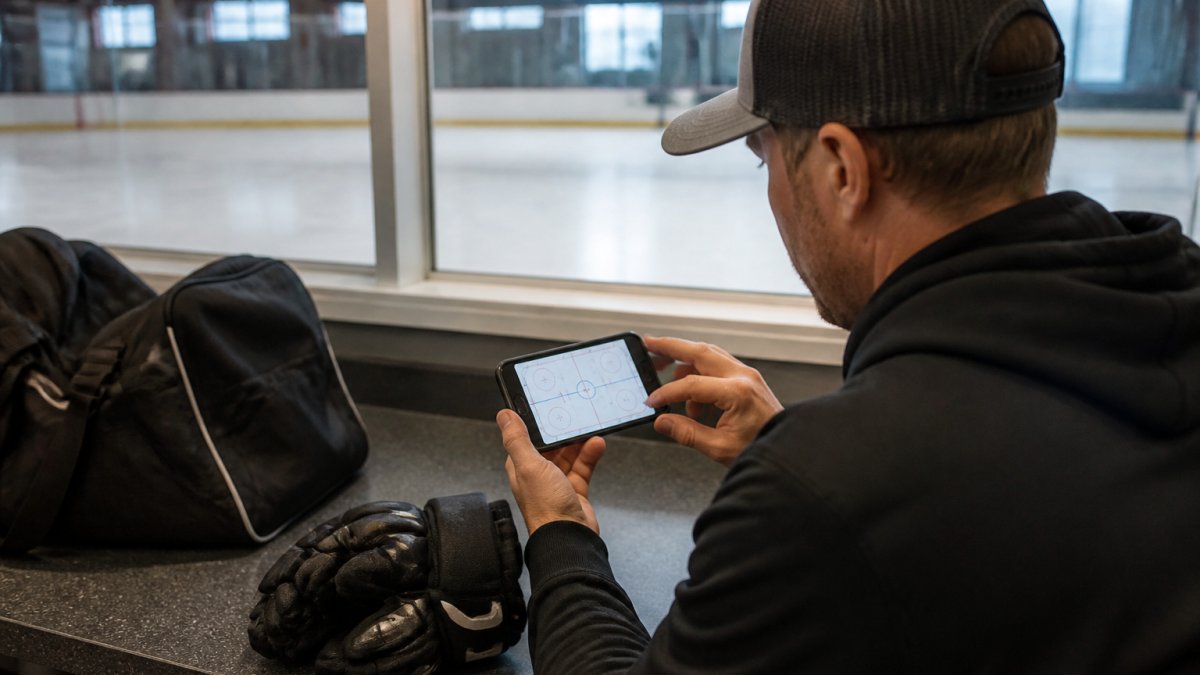
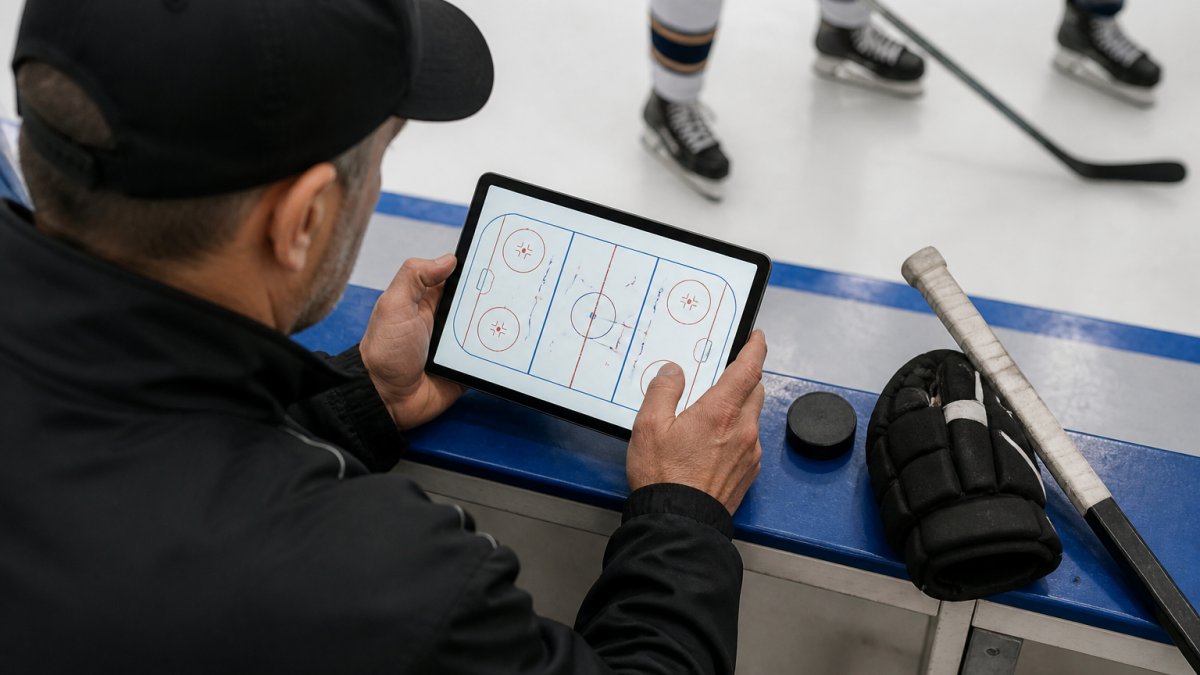
Hockey strategy apps for team coaches have become essential tools for modern youth hockey programs. These applications transform how coaches teach positioning, tactics, and game scenarios, moving beyond static whiteboards and complicated diagrams to interactive, visual learning experiences.
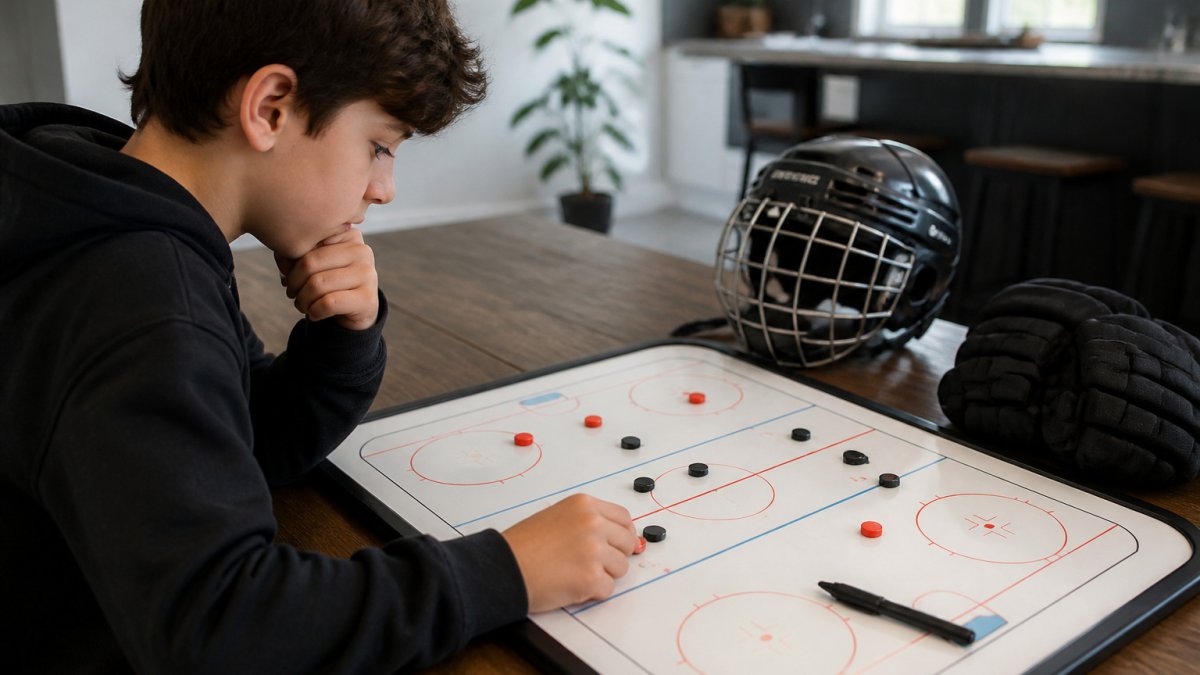
The challenge most coaches face is simple: young players struggle with positional awareness. They chase the puck instead of reading the play. They don't know where to be when the team gains possession. Traditional coaching methods, drawing plays on a board, explaining verbally, hoping it sticks, leave gaps in understanding that cost games.
Hockey strategy apps solve this by making positioning tangible. Coaches can show exactly where each player should be in any situation: power plays, penalty kills, transition play, breakouts. Players see it happen in real time on an interactive ice surface. That visual reinforcement creates muscle memory and game awareness that translates directly onto the ice.
For youth coaches especially, these apps eliminate the need to be a brilliant X-and-O strategist. The app handles the tactical complexity. The coach focuses on teaching decision-making and execution.
What to Look For in a Hockey Playbook App
When evaluating a hockey playbook app, focus on features that actually improve player understanding, not just flashy interfaces.
Interactive ice surface functionality is non-negotiable. The app should let you drag the puck or move players and see the entire team respond in real time. Static diagrams don't work.
Coverage of game scenarios matters enormously. The best hockey playbook apps include power plays, penalty kills, even-strength play, transition situations, and breakout patterns. A limited playbook won't serve your team through a full season. You need depth across multiple tactical situations.
Age-appropriate design is critical for youth hockey. If the interface is too complex, players tune out. If it's too simple, older or more advanced players won't find value. The best apps scale, they work for beginners learning basic positioning.
Customization options let you adapt the app to your team's specific playbook. Some apps let you adjust jersey colors, add custom plays, or modify existing ones. This flexibility means the app grows with your coaching philosophy rather than forcing you into someone else's system.
Audio and visual feedback enhances learning, especially for younger players. Immersive hockey sounds and visual cues reinforce positioning concepts. This multi-sensory approach helps information stick better than diagrams alone.
How a Hockey Practice Planning App Saves Coaches Time
A hockey practice planning app does more than organize drills, it fundamentally changes how efficiently you prepare and execute practice.
Without a structured planning tool, coaches spend hours writing out drill sequences, timing each station, figuring out which players rotate where. That's administrative work that pulls focus from actual coaching strategy. A hockey practice planning app automates this layer.
The time savings compound across a season. Instead of recreating practice plans from scratch, you build a library of proven drills and sequences. You reuse, modify, and improve them over time. What took three hours to plan in October takes 15 minutes by March.
More importantly, practice planning apps help you align drills with your strategic priorities. If you're working on power-play positioning, you can pull up all your power-play drills, see how they connect, and build a cohesive progression. That intentionality, connecting every drill to your tactical goals, is what separates effective practices from busy ones.
The best practice planning apps also include timing recommendations and player rotation logic. You know exactly how long each drill should run, how many players you need at each station, and what transitions look like. That structure lets you focus entirely on coaching execution rather than managing logistics.
The Power of Animated Hockey Drills Apps for Visual Learning
Animated hockey drills apps represent a shift in how young players learn. Movement and positioning are inherently visual concepts. Showing is always more effective than telling.
When a coach explains a defensive rotation verbally, some players picture it one way, others picture it differently. Misalignment creates confusion on the ice. An animated hockey drills app removes that ambiguity. Every player sees the exact same movement pattern, the same spacing, the same timing. Consistency in understanding translates to consistency in execution.
Animation also makes complex concepts accessible. A three-forward forecheck with staggered timing is hard to visualize from a static diagram. Watch it animated, see each forward's path, understand the spacing, recognize the trigger points, and it becomes clear.
The best animated drills apps let players slow down or speed up animations, pause at key moments, and replay sequences. That control lets players study at their own pace. A player who needs more time to process can watch it three times. A quick learner can move forward. Personalization improves outcomes.
Interactive animation goes further. If the app lets players adjust positioning or puck placement and immediately see how the rest of the team responds, they develop intuition about spacing and timing. That interactive feedback is what separates learning apps from watching videos.
Hockey Apps for Youth Coaches: Key Features That Drive Results
Hockey apps for youth coaches need to balance sophistication with accessibility. Young players shouldn't need a coaching degree to understand what the app is showing them.
Intuitive controls are essential. If players spend five minutes figuring out how to drag the puck, you've lost their attention. The app should feel natural, one or two taps, and the play unfolds.
Scenario variety keeps engagement high. Players get bored if they see the same three power-play setups repeatedly. The best hockey apps for youth coaches include dozens of scenarios across different game situations.
Pro coaching tips at every position reinforce learning. When a player sees their position highlighted, a brief tip explains why they're there, what they're reading, what they're doing next. That contextual instruction is more powerful than generic explanations. It connects positioning to decision-making.
Customizable team colors and jersey numbers create ownership. When players see their own number in the correct position, the learning becomes personal. They're not watching a generic team, they're seeing themselves executing the play correctly.
Progress tracking helps coaches measure understanding. Some apps track which scenarios players have studied, which ones they struggle with, which ones they've mastered. That data lets you tailor additional practice to areas of weakness.
Common Mistakes Coaches Make When Choosing Strategy Apps
The most common mistake is prioritizing features over fundamentals. A coach sees an app with 200 pre-loaded plays and assumes it's better than one with 50. More isn't always better.
Another mistake is choosing an app without testing it with your team first. What looks good in a demo might not work with your age group or skill level. The best apps offer free trials or freemium versions. Use them. Watch how players respond.
Coaches sometimes select apps that don't match their coaching style. If you emphasize decision-making over memorization, an app that forces players to memorize 15 different power-play setups won't serve you. Choose tools that align with your philosophy, not tools that force you to change your approach.
Underestimating the importance of simplicity is another pitfall. Younger players especially need clarity. An app with beautiful graphics but confusing navigation will frustrate rather than educate. Simple, clean design that gets out of the way of learning is always superior.
Finally, coaches sometimes choose apps based on price alone. The cheapest option isn't always the best value. Consider what your team actually needs, what will drive real improvement in positioning and game awareness, and what your players will actually use consistently. That's the right app, regardless of price.
Getting Started: How to Integrate Hockey Strategy Apps Into Your Coaching
Integrating a hockey strategy app into your coaching requires intentionality. The app is a tool, not a replacement for coaching. How you use it determines whether it drives real improvement.
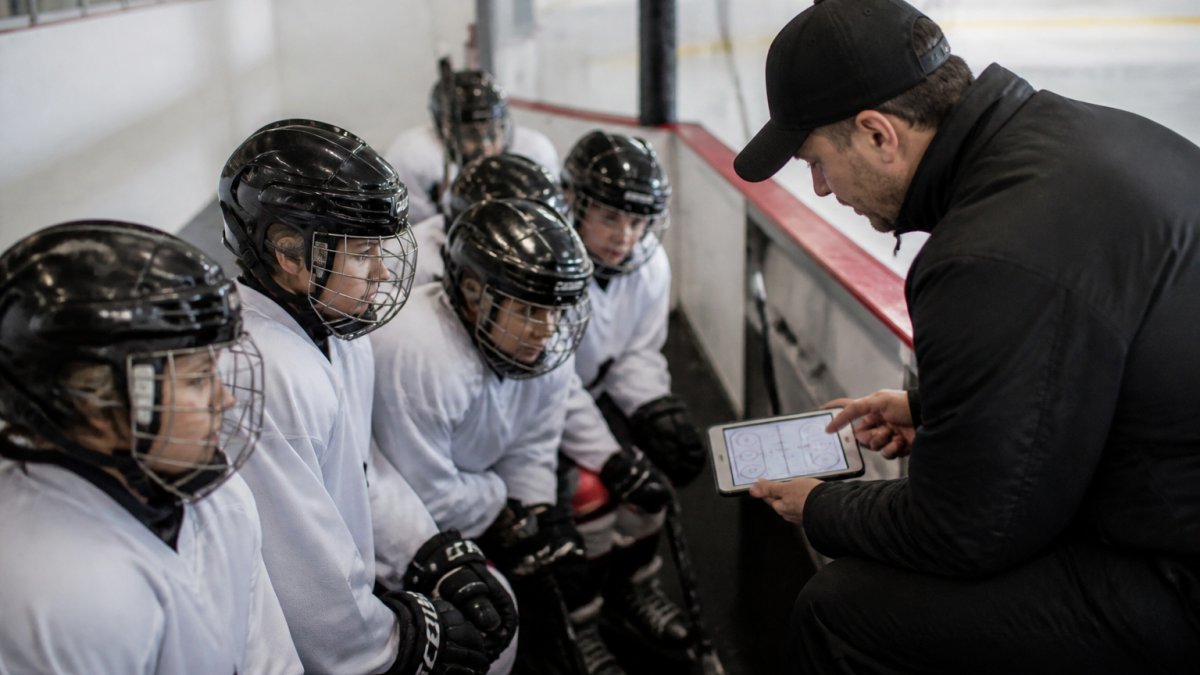
Start with one scenario. Don't overwhelm your team by introducing 10 different plays in the first week. Pick one power-play setup or one penalty-kill formation. Have players study it on the app. Practice it on the ice. Master it before moving forward. That focused progression builds confidence and understanding.
Use the app during practice time strategically. Dedicate 5-10 minutes at the start of practice to app-based learning. Show the scenario, discuss what players see, then move to the ice and execute it. That sequence, visual learning, discussion, physical practice, creates strong retention.
Connect app learning to on-ice execution immediately. If players study a forechecking pattern on the app, run that exact pattern in a drill 10 minutes later. The connection between what they learned and what they're doing makes the learning stick. Delay creates disconnect.
Review with individual players or small groups. Some players learn faster than others. Use the app's flexibility to let faster learners explore advanced scenarios while others reinforce fundamentals. Personalized learning drives better outcomes than one-size-fits-all instruction.
Track progress over time. Note which scenarios your team has studied, which ones they execute well on ice, which ones need reinforcement. That data guides your practice planning and helps you measure improvement in positioning and game awareness.
Involve parents in the process. If parents understand what their kids are learning through the app, they can reinforce concepts at home.
Choosing the right hockey strategy app comes down to matching the tool to your coaching goals and your team's learning style.
Hockey Positioning™ is built specifically for youth coaches and players new to hockey. The interactive ice surface lets you drag the puck and watch players move into correct positions instantly.
Frequently Asked Questions
Will using a hockey strategy app actually improve my players' positioning during real games?
Yes, when combined with on-ice practice. Interactive hockey strategy apps let players visualize correct positioning for every scenario, power plays, penalty kills, defensive formations. The visual repetition helps muscle memory and decision-making. However, the app works best as a teaching tool before or after practice, not as a replacement for ice time. Players who study positioning on an app and then practice it on ice show faster improvement in game awareness than those who rely on verbal coaching alone.
What's the difference between a hockey playbook app and a hockey practice planning app?
A hockey playbook app focuses on teaching specific plays and formations, showing where each player should be positioned for a given scenario. A hockey practice planning app helps coaches organize the entire practice session: drill sequences, timing, player groupings, and skill progressions. Some apps do both, but the best choice depends on whether you need better play visualization or better practice organization. Many coaches use both types together.
Can animated hockey drills apps work for players aged 7 and younger?
Quality animated hockey drills apps designed for youth include simplified visuals and shorter scenarios for younger players. Apps built specifically for ages 5-13 use larger icons, fewer players on screen at once, and clear, bright colors to hold attention. Younger players benefit most from apps that let them interact (drag the puck, tap to move players) rather than just watch. Parental or coach guidance helps younger kids understand what they're seeing.
How do hockey apps for youth coaches compare to traditional coaching methods like whiteboard drills?
Apps add interactivity and repeatability that whiteboards don't offer. Players can pause, rewind, and replay a scenario as many times as needed. Apps also provide immersive details, sound, movement, multiple angles, that static diagrams miss. Whiteboards remain valuable for real-time adjustments during practice, but apps excel at pre-practice learning and player review at home. The most effective coaches use both: apps for introduction and reinforcement, whiteboards for live problem-solving.