 blog
7 Questions to Ask Before Buying Hockey Strategy Software
Quick Summary
Hockey strategy software is worth it when it matches the job you need done, such as teaching youth positioning, explaining team systems, or reducing video-review time. Its value depends on the player's age, the team's level, and whether you will use it at least three times a week. A short free trial is the lowest-risk way to judge whether the hockey strategy software fits.
- Young players aged 5-13 gain most from visual positioning practice.
- Compare subscription cost against extra lessons, prep hours or video-review time.
- Divide the price by the sessions you expect each month to get cost per session.
- Assign one owner for video capture and tagging before buying any tool.
- Run a trial and check whether the player can explain a scenario unaided after a week.
Table of Contents
- Hockey Strategy Software Explained: What It Does and Who It Serves
- Does Hockey Strategy Software Help Youth Players Learn Positioning?
- How Coaches Use a Hockey Coaching App to Teach Systems and Plays
- Learning Offensive Plays Through Interactive Ice Diagrams
- Teaching Defensive Strategies and Gap Control Away From the Rink
- Cost Versus Value: Weighing Subscription Pricing Against Practice Time
- Booking a Trial and Deciding Whether Your Child's Next Step Is an App
- Frequently Asked Questions
7 Questions to Ask Before Buying Hockey Strategy Software
Last Updated: November 5, 2026
Hockey Strategy Software Explained: What It Does and Who It Serves
If you are asking whether hockey strategy software is worth it, you are asking the right question before spending money. A player should know where to be on the ice before the puck arrives. Hockey strategy software is a digital tool that shows positional play, plays and systems on an interactive rink so players and coaches can learn them visually.
The software category covers many products. Some focus on playbook drawing, some on video tagging and some on positioning for individual players. The real question is which of those jobs you need done.
Here is the short version of who benefits most:
- Young players aged 5-13 who keep chasing the puck and need a visual model of positioning
- Parents who want supplementary training that doesn't depend on ice time
- Adult beginners joining recreational leagues who need to understand game scenarios quickly
A common mistake is buying a tool built for systems coaching when the player only needs basic positioning. Match the software to the job, not to the feature list.
Does Hockey Strategy Software Help Youth Players Learn Positioning?
Yes, when the software lets a young player move the puck and see where teammates and opponents should be. Visual repetition is what turns a position from a rule into a habit.
Most youth players learn positioning in practice, but practice time is limited. A child can spend an hour on a phone studying a power play scenario and then recognize it during a game. Coaching guidance on youth skill development describes why early, repeated exposure to game situations matters for young athletes.
Watch out: a young player who only memorizes diagrams can freeze when the real game moves faster than the picture. Use the app to build a mental model, then reinforce it on the ice.
How Coaches Use a Hockey Coaching App to Teach Systems and Plays
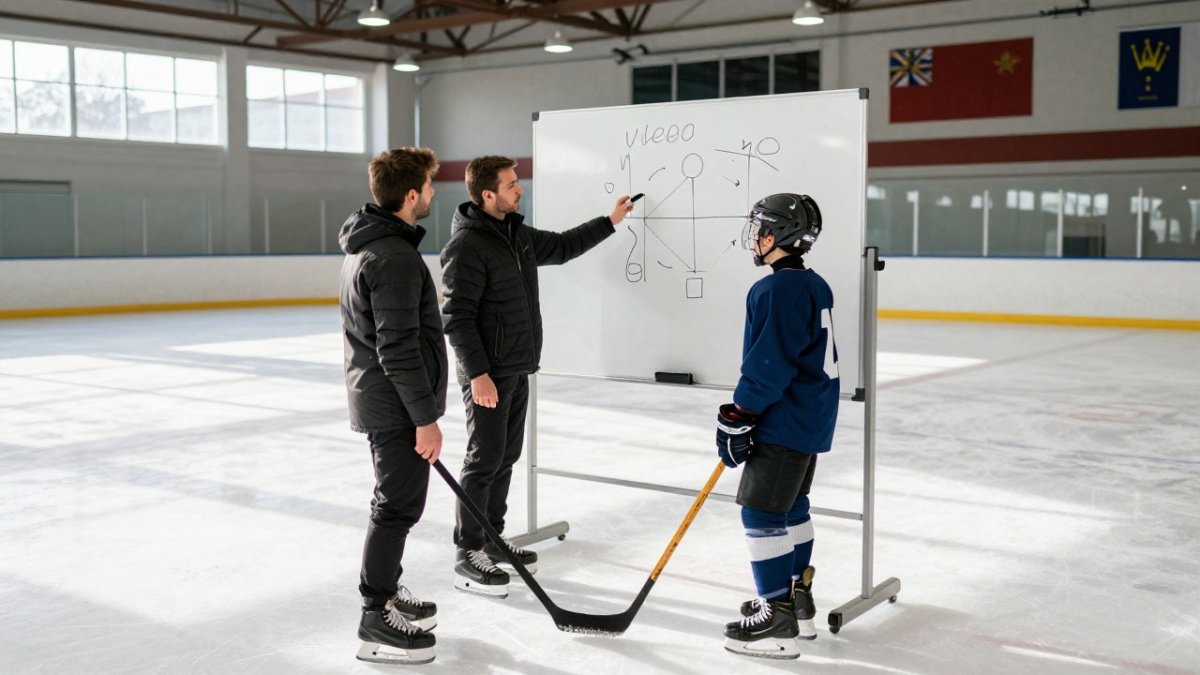
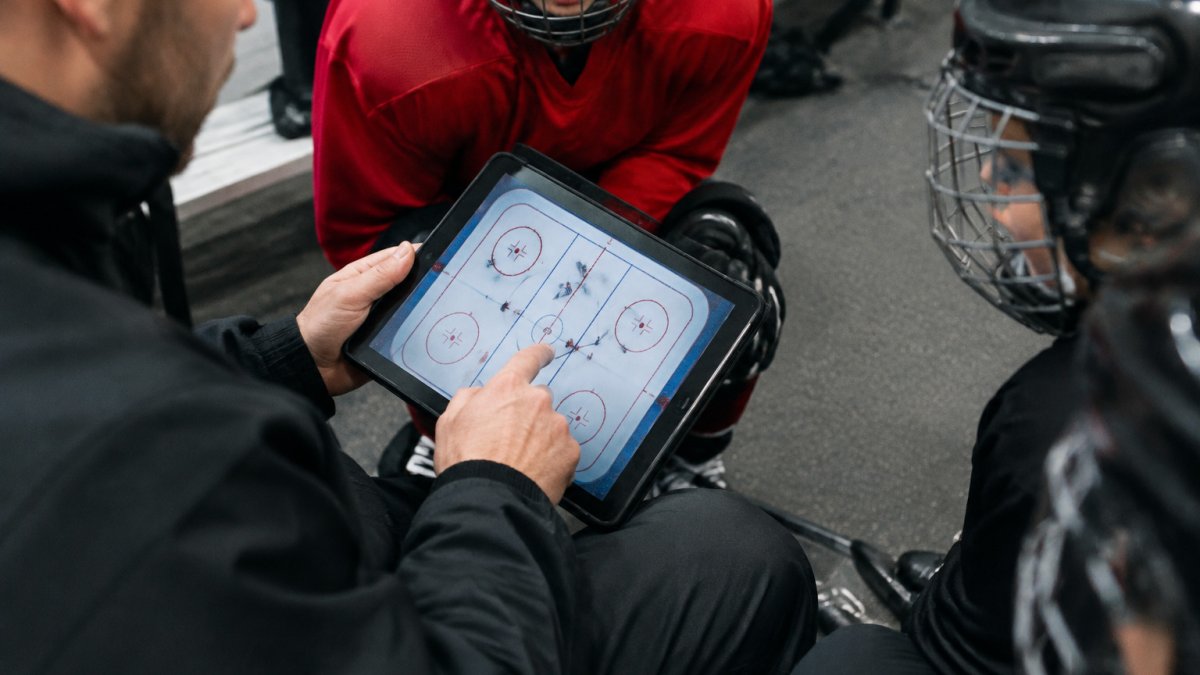
Coaches usually use a hockey coaching app for two things: explaining systems to the whole team and checking whether players understand their role. The app becomes a shared reference point rather than a replacement for drawing on a whiteboard.
A practical workflow looks like this:
- Pick one scenario from your system, such as a zone entry or a penalty kill
- Walk the team through each player's position on screen
- Ask players to call out their assignment before you run it on the ice
For coaches comparing options, our coaching app comparison covers the features that matter most for team systems.
Learning Offensive Plays Through Interactive Ice Diagrams
Offensive plays are harder to learn from static diagrams because timing and spacing matter as much as the path. Interactive ice diagrams let a player see how the puck and teammates move together.
This is especially useful for hockey strategy for beginners, where the sequence of movement is the hard part to picture.
Try this: pick a simple offensive set and have the player run it three times, changing one thing each time, such as the pass target or the entry lane. Each repetition builds recognition.
Teaching Defensive Strategies and Gap Control Away From the Rink
Defense is where the software earns its place away from the rink. Gap control, the distance between a defender and the puck carrier, is difficult to teach with words alone and easy to show on a screen.

Watch out: defensive positioning looks simple on a screen but depends on skating speed and stick work that software cannot train. Treat the app as the mental half of the lesson.
Cost Versus Value: Weighing Subscription Pricing Against Practice Time
The cost question is really a value question, and most hockey strategy software articles dodge it. They list features and leave you to guess whether the spend pays off. Here is a framework you can actually run before you enter a credit card.
Start by naming what the software replaces. For most families and coaches, the realistic alternatives are:
- Extra private lessons. A single private skill session typically costs more than a month or two of most youth-focused strategy apps. If the app replaces even one lesson a month, the math usually favors the app.
- Unstructured screen time. If the alternative is a child watching hockey clips with no structure, a guided positioning tool converts that time into something repeatable.
- Coach prep hours. For coaches, the comparison is hours spent drawing systems by hand or editing video versus hours the software saves. Track one week of your current prep time before you buy, then track it again after a month of use.
- Manual video review. Reviewing game film without tagging tools is slow. If your staff already spends several hours per week scrubbing footage, tagging software can pay for itself in staff time alone.
Then apply a simple usage test. Divide the monthly or annual price by the number of sessions you realistically expect per month. A tool used three times a week is a very different cost per session than one opened twice a month.
Pricing for Hockey Positioning™ is listed on our website, where you can see current plans and the free trial. We do not publish prices in this article because they can change, so check the pricing details for the app before you decide. To judge whether the spend is justified, check whether your child is using it regularly.
For proof that visual training changes on-ice habits, read how to tell whether visual hockey training actually works before you commit.
The article lays out four alternatives to weigh against the subscription cost:
| Alternative | What the software replaces | How to judge it |
|---|---|---|
| Extra private lessons | One private skill session | App wins if it replaces one lesson a month |
| Unstructured screen time | Child watching clips with no structure | Guided positioning turns it into repeatable practice |
| Coach prep hours | Hand-drawing systems, editing video | Track one week before and one month after buying |
| Manual video review | Scrubbing game footage | Tagging can pay for itself in staff time |
Booking a Trial and Deciding Whether Your Child's Next Step Is an App
Before you buy any hockey strategy software, run a short trial and judge it on adoption, not on the demo. The demo always looks good. The question is whether the tool fits your player, your team level, and your weekly routine.
Match the tool to the team level and budget. A youth player aged 5-13 mostly needs positioning and simple scenarios, so a lightweight positioning app is usually enough. Amateur and school teams typically need playbook drawing plus some video review. Higher-level programs are the ones that justify full video tagging, scouting databases, and multi-coach collaboration. Buying a systems-coaching platform for a beginner wastes money; buying a basic diagramming app for a competitive team wastes staff time. Scale the tool to the job.
Budget for implementation, not just subscription. Setup effort is the hidden cost. Expect to spend time entering your systems, uploading or capturing video, and training staff or parents on the workflow. Video-based tools add a capture requirement: someone has to film, tag, and clip. If no one owns that job, the software will not get used. A common pattern is that the tool with the best features loses to the tool with the lowest weekly workload.
Test the learning curve during the trial. Give the player or coach one real task, such as building a single power-play scenario or tagging one period of video, and time how long it takes without help. If a young player cannot explain a positioning scenario in their own words after a week, the tool is not doing its job. If they only tap through screens, it is not either.
Consider the non-software alternatives honestly. Software is not the only way to teach strategy. Manual video review with a coach, printed rink diagrams, a shared spreadsheet of systems, and free basic diagramming tools can cover a lot of ground for a team with no budget. Software earns its place when it saves time, improves retention, or reaches players away from the rink, not simply because it exists.
A simple decision checklist:
- Does it match the age and skill level of the player?
- Can you use it at least three times a week without extra setup work?
- Does it cover the scenarios your team actually plays?
- Does the coach support using it alongside practice?
- Is there a clear owner for video capture and tagging, if the tool needs it?
- Have you compared it against a manual or free alternative for your budget?
For a broader view of the options available for younger players, see our guide to interactive hockey apps for youth players. If the checklist points toward a yes, a trial is the lowest-risk way to find out. Hockey Positioning™ offers a free trial so you can test the app before paying anything.
Frequently Asked Questions
Is hockey strategy software worth it for beginners?
For beginners, the main value is seeing where players should be before they are on the ice. Interactive tools let a young player move the puck and watch teammates shift into their positions, which is hard to picture from a whiteboard or a video clip alone. Worth it depends on whether your child will actually use it between practices. Check whether the app matches your child's age and lets you start with a free trial before committing money. Pricing details are on the Hockey Positioning website.
Can hockey strategy software help players learn positioning?
Yes, positioning is the skill these tools teach most directly. Dragging the puck to different spots on a full ice surface and seeing players move to their correct spots reinforces where to be in each scenario, such as power plays and penalty kills. Repetition is what builds the habit of not chasing the puck.
What features should a hockey coaching app have?
Look for a full ice surface rather than a half-rink view, because positioning depends on the whole ice. Scenario coverage matters too, including power play, penalty kill, and even-strength play. Age-appropriate design is important for younger players, so check whether the interface is simple enough for a child to use alone. Coaching notes attached to specific puck locations help explain why a position matters. Finally, confirm whether a free trial is available so you can test it before paying.
Are hockey strategy apps useful for youth hockey teams?
They can be useful for youth teams when a coach or parent uses them to reinforce what is taught at practice. A team-wide tool helps when everyone learns the same systems, but individual apps are more common for home practice. Consider whether your league's age group and the players' experience level match the app's design.