 blog
Is There an App to Learn Hockey Positions?
Quick Summary
Yes, a hockey positions app can teach you where to be on the ice. Interactive tools like Hockey Positioning™ show a full rink where players shift as the puck moves, making it easier to learn the hockey positions app logic than from a static diagram.
- The best tools show players shifting as the puck moves, not just static diagrams.
- Look for full-ice views, real game situations, and short tips explaining why a player moves.
- Hockey Positioning™ is available to download on the App Store.
- Spend about 10 minutes per session, focusing on one situation like a breakout each day.
- Use the app before and after practice, and treat ice time as where skills are truly tested.
Table of Contents
- Why Position Learning Is Harder Than It Looks
- What to Look for in a Hockey Positioning App
- Best Apps to Learn Hockey Positions, Compared
- Hockey Training Apps for Beginners: Where Each Position Fits
- How Positioning Apps Build Hockey IQ on the Ice
- Hockey Coaching Apps for Youth Coaches and Team Use
- Starting Your First Positioning Lessons This Week
- Frequently Asked Questions
Is There an App to Learn Hockey Positions?
Last Updated: November 7, 2026
Why Position Learning Is Harder Than It Looks
Hockey positions are hard to learn because the ice moves fast and the puck moves faster.
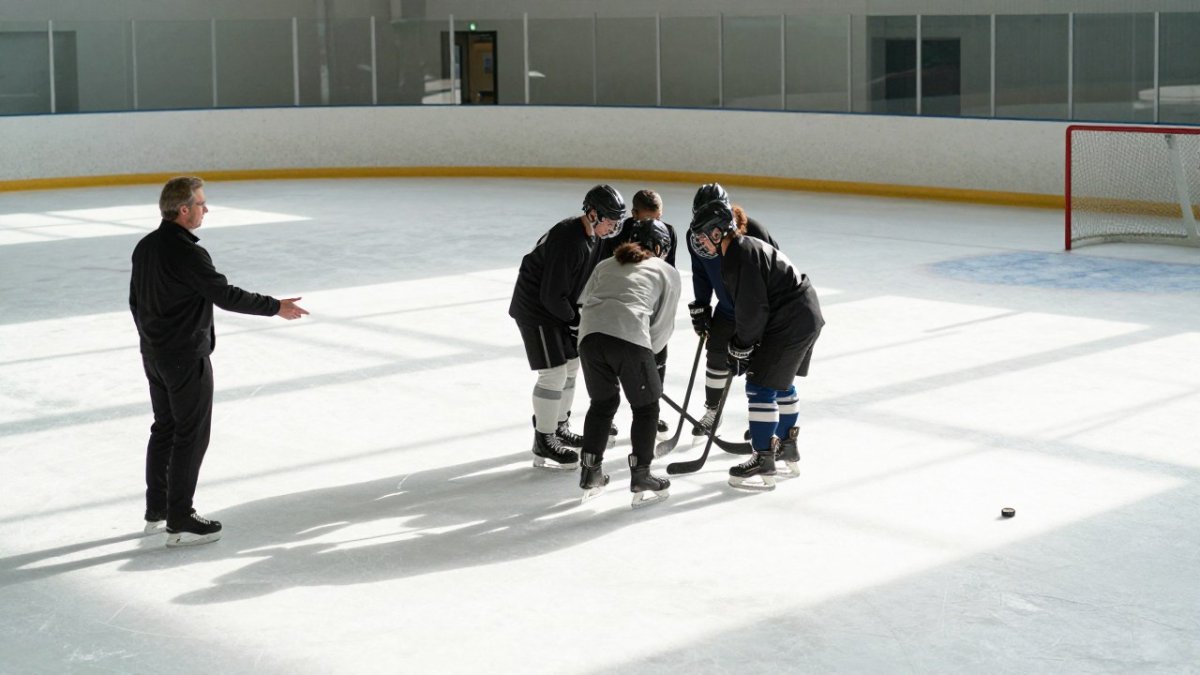
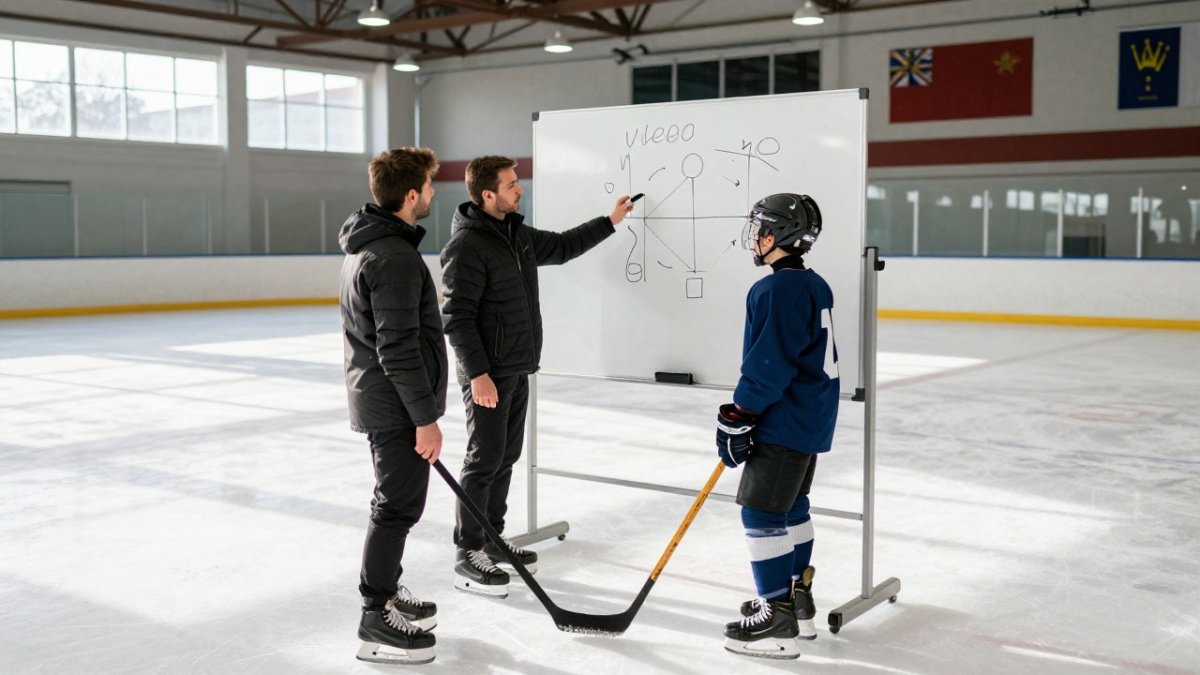
Coaches often explain positions at a whiteboard or in a quick pre-practice talk, but it rarely sticks once the whistle blows. Learn why positional awareness matters for youth hockey and how it develops over time.
Here is why this gets tricky for most players:
- The puck changes the play. Where the puck is decides where everyone should be.
- Positions shift during a shift. A winger may become a defender in seconds during a turnover.
- Game situations vary. Power plays, penalty kills, and even-strength play all demand different spacing.
A common mistake is teaching positions as fixed labels, "center" or "defenseman" as boxes, when the job is really about reacting to puck location.
What to Look for in a Hockey Positioning App
Not every sports app teaches positioning well. Some are built for stats, highlights, or drills. If your goal is learning where to be, focus on a few key features.
Look for these qualities:
- Full-ice view. You need to see the whole rink, not a small section.
- Movement that responds to the puck. The best tools show players shifting as the puck moves.
- Coverage of real game situations. Power plays, penalty kills, and breakouts should all be included.
Watch out for apps that only show static diagrams, useful, but they do not show how positions change during play. Also check whether the app is built with hockey professionals in mind.
Best Apps to Learn Hockey Positions, Compared
Most roundups for this query blur four different product types together: interactive positioning tools, video drill libraries, tactical whiteboard apps, and full video games. Compare the best hockey apps for learning game flow side by side. That mixing is why readers finish a listicle without knowing which tool actually teaches a center where to stand on a breakout. The comparison below separates those categories and maps each against the four positions.
What each app category actually teaches, position by position
A useful way to judge any app is to ask what it shows a center, a winger, a defenseman, and a goalie doing during offense, defense, and transition. Most tools cover one or two of those cells well and hand-wave the rest.
- Centers. The center's job changes most often within a shift: first forward back on defense, support on the weak side, and often the player who triggers the forecheck. An app that only shows static starting positions will not teach low-slot coverage or the center's role as the outlet in transition.
- Wingers. Wingers are judged on wall play, breakout support, and weak-side coverage. Look for an app that animates how a winger reads the puck on the opposite wall and adjusts depth, not just a diagram of "left wing" and "right wing" boxes.
- Defensemen. Defensemen need gap control, net-front coverage, and pinch decisions on the offensive blue line. Few apps show the pinch read at all, a real gap if your player is a defender.
How the main app types compare
| App type | Best for | Position coverage | Learning style | Practical notes |
|---|---|---|---|---|
| Interactive positioning app (e.g., Hockey Positioning™) | Ages 5-13 and adult beginners | Full-ice scenarios with puck-driven movement; strongest on even-strength and special-teams spacing | Drag the puck, watch players shift, read short tips | Built around the "where to be" question rather than drills; check the App Store listing for current device support and any free vs. paid content |
| Video drill and skill apps | Players working on skating, shooting, and individual skill | Weak on team positioning; strong on technique | Watch and repeat | Useful as a complement, not a substitute, for positional learning |
| Tactical whiteboard apps | Coaches building team systems | Strong on set plays and systems; depends on the coach drawing the scenarios | Coach-led diagramming | Best when a coach already knows the system and needs a sharing tool |
| Hockey video games | Older kids and teens who want engagement | Broad exposure to spacing and offside rules, but not a teaching tool | Play-based | Fun entry point; not a curriculum and not reliable for real positional responsibilities |
Testing criteria you can apply yourself
Because published hands-on testing of these apps is thin, the honest approach is to give you criteria to test them yourself in ten minutes per app. Open one even-strength scenario and one special-teams scenario, then check:
- Does the puck move? If players only shift when you tap a new diagram, the app is a slideshow, not a positioning trainer.
- Does it explain the why? A short tip at each spot is the difference between memorizing a dot and understanding the read.
- Does it cover all four positions? Toggle to each role and see whether the guidance is specific or generic.
- Does it show transition? Turnovers are where beginners get lost, so check whether the app animates the shift from offense to defense.
- Is the interface usable by the intended age? A 7-year-old should be able to drag the puck without a parent narrating.
Watch out: an app can look polished in screenshots and still fail the puck-movement test, so try one scenario before committing to a subscription. See what actually works in hockey game strategy mobile apps.
Pricing and platform transparency
Pricing in this category changes often, so treat any number in a review as a snapshot and verify it on the app's store listing. For a youth player, a free tier with one or two scenarios is often enough to judge fit; for a coach, team sharing and export features matter more than individual pricing. Explore the interactive hockey apps available for young players.
Matching the app to the learner
- Young players (roughly 5-13): prioritize big visuals, short tips, and puck-driven movement. Interactive positioning apps fit best.
- Adult beginners: prioritize plain-language explanations and coverage of basic even-strength and special-teams situations. Browse a curated list of hockey training apps for adults.
- Experienced players: prioritize transition reads and position-specific detail, especially for defensemen and centers.
The short version: for learning where to be, an interactive positioning app is the most direct fit; video and whiteboard tools are complements, and video games are engagement, not instruction.
Hockey Training Apps for Beginners: Where Each Position Fits
Beginners often ask how the apps fit into a bigger training plan. A positioning app is not a replacement for ice time. It is a way to understand the game before you step on the ice, or review after practice.
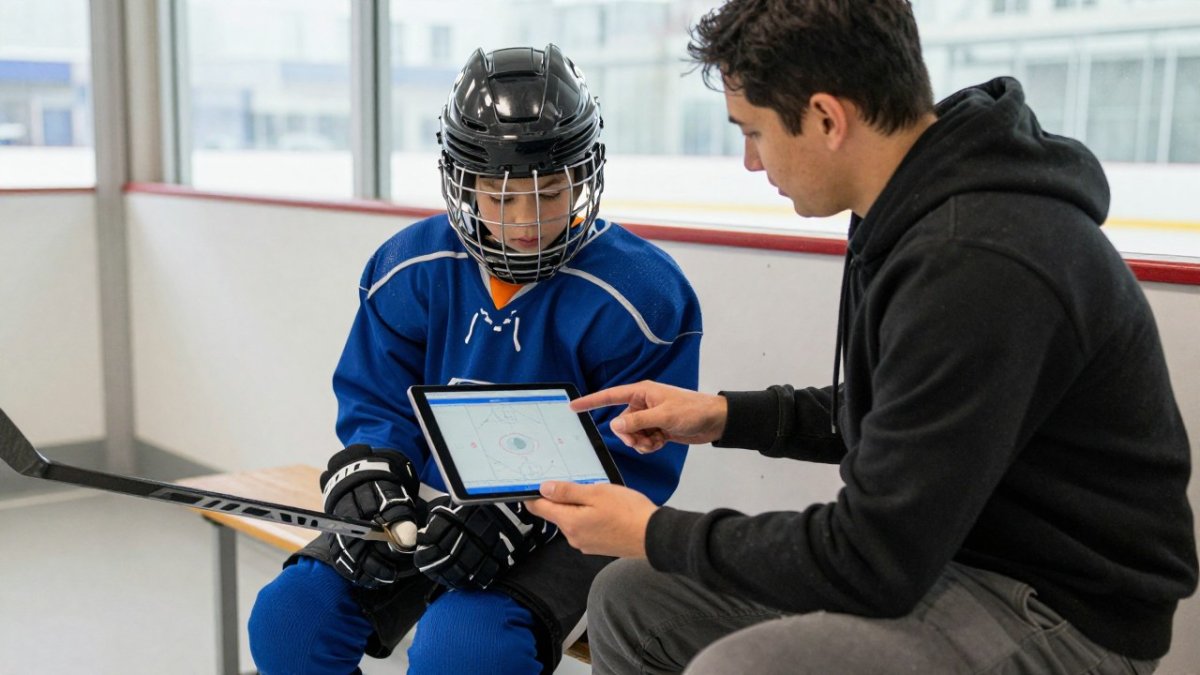
Here is a simple routine that works well:
- Before practice: Spend 10 minutes on one game situation, like a breakout.
- At practice: Focus on applying that position with a teammate or coach.
- After practice: Revisit the app to check where you were out of place.
Players who learn positions on a screen first often arrive at practice with clearer expectations, so the coach can spend time on skill instead of basic spacing.
How Positioning Apps Build Hockey IQ on the Ice
Positioning apps build hockey IQ by repeating the same game logic over and over.
This matters most in fast situations. A player with strong game awareness often moves before the puck arrives, that early movement separates confident players from those who always seem late.
Some signs a player's hockey IQ is improving:
- They move to open space before being asked
- They cover the right player during a turnover
- They anticipate breakouts instead of reacting to them
Apps alone will not create these skills, but they can speed up the learning curve when paired with real ice time.
Hockey Coaching Apps for Youth Coaches and Team Use
Coaches do not need another diagram tool as much as a way to make positional language stick across a whole roster. The gap in most coaching-app coverage is measurement: almost nothing explains how a coach can tell whether players actually learned the positioning or just nodded at the whiteboard. This section focuses on that, plus the mechanics of running a positioning session with a team.
A repeatable session structure
A common pattern among youth coaches is a three-part loop: introduce one scenario on screen, rehearse it on ice at low speed, then revisit it on screen after practice. The screen work is short, roughly five to ten minutes, and the ice work is where the learning is tested.
- Before practice (5-10 minutes): Show one scenario, such as a breakout or a penalty-kill box, and let two or three players take turns moving the puck while narrating their choice.
- On ice: Run the same scenario at half speed with no forecheck pressure, then add pressure. Keep the language identical to what the app used.
- After practice (5 minutes): Ask players to recreate the scenario on screen and point out where they were out of place. This is the step most coaches skip, and it is where the lesson consolidates.
Turning app scenarios into measurable outcomes
Broad claims about "improving hockey IQ" are hard to verify. A more practical approach is to define two or three observable behaviors per position and track them over a few weeks.
- Centers: Are they the first forward back on a turnover? Do they cover the low slot when the puck is on the strong-side wall?
- Wingers: Do they hold the weak-side wall instead of chasing? Do they adjust depth when the puck switches sides?
- Defensemen: Do they maintain gap on entries? Do they make a deliberate pinch read rather than a default step-up?
A simple tally on a clipboard during a scrimmage, one mark per correct read, gives a coach a before-and-after picture that no app dashboard can replace. The app supplies the shared vocabulary; the coach supplies the evidence.
Handling the practical constraints
Team use runs into three constraints. First, not every family will download an app, so plan for a mix of devices and a whiteboard fallback. Second, ice time is scarce, so screen work has to happen off-ice. Third, attention spans vary by age, so one scenario per week usually beats a full systems download.
Watch out: if you introduce five scenarios in one session, players will remember none of them; pick one, rehearse it, and measure it before moving on.
Sharing scenarios with assistants and parents
A positioning app earns its place in a team setting when it lets a coach hand the same scenario to an assistant or a parent. Confirm the app supports sharing or export in a form your staff can open, and test it with one assistant before building a weekly plan around it. The goal is a shared picture of where each position should be, so when a coach says "weak-side support," every player and parent pictures the same thing.
Starting Your First Positioning Lessons This Week
Starting is simpler than most players expect. You do not need a long plan.
Try this simple plan for the first week:
- Day 1: Learn the basic positions on a full ice view.
- Day 2: Practice the breakout and watch how players shift.
- Day 3: Focus on penalty kill spacing.
- Day 4: Work through power play positions.
- Day 5: Pick your weakest situation and review it.
Keep sessions short, around 10 minutes. Consistency matters more than length. After a week, bring one question to practice and ask your coach about it.
Hockey Positioning™ is available to download on the App Store, so you can start your first lesson on your phone or tablet.
Frequently Asked Questions
Can an app help beginners understand hockey positions?
Yes, a visual positioning app can help beginners see where each player should be in common game situations. Dragging the puck to a new location and watching teammates reposition shows the logic behind each spot, which is hard to get from a verbal explanation alone. Beginners tend to retain the placement better when they can interact with it, then reinforce it at practice with the coach. The app works best as a supplement to on-ice reps, not a replacement for them.
How do you teach positioning in hockey?
Start with one zone and one situation, such as the defensive zone when the puck is behind the net, and have the player identify where teammates should be. Then move the puck to a new location and ask the player to predict the reposition before checking. Repeat across the offensive zone, neutral zone, power play, and penalty kill. A positioning app supports this by letting players test predictions quickly, and coaches can then run the same scenarios on the ice with cones or players.
Can hockey apps teach power plays and penalty kills?
Many positioning apps include power play and penalty kill scenarios, since those situations depend heavily on fixed player placement. Check the app's scenario list before buying to confirm it covers the situations your player needs most, especially if the player already plays in a competitive league.
What is the difference between a hockey training app and a hockey positioning app?
A general hockey training app typically focuses on skills such as skating, stickhandling, or shooting drills. A positioning app focuses on where players should be on the ice in specific game situations. Positioning apps address game awareness and decision-making rather than physical technique. Many families use both: a skills app for individual mechanics and a positioning app for understanding team structure.